What can you create with the PromptBox AI image generator?
PromptBox connects prompt inspiration with online image generation for marketing assets, content visuals, product concepts, and personal artwork.
AI posters and marketing visuals
Create campaign key art, social media graphics, advertisements, and promotional posters.
Thumbnails and editorial images
Make article covers, video thumbnails, blog illustrations, and visual storytelling assets.
Ecommerce and brand concepts
Explore product displays, packaging ideas, brand directions, and pitch visuals.
Avatars, illustrations, and characters
Design profile images, original characters, wallpapers, gifts, and style studies.
Why use the PromptBox AI image generator?
Generate images online, reuse community prompts, manage private generation history, and publish selected results to the AI artwork gallery.
Prompts and generation in one workflow
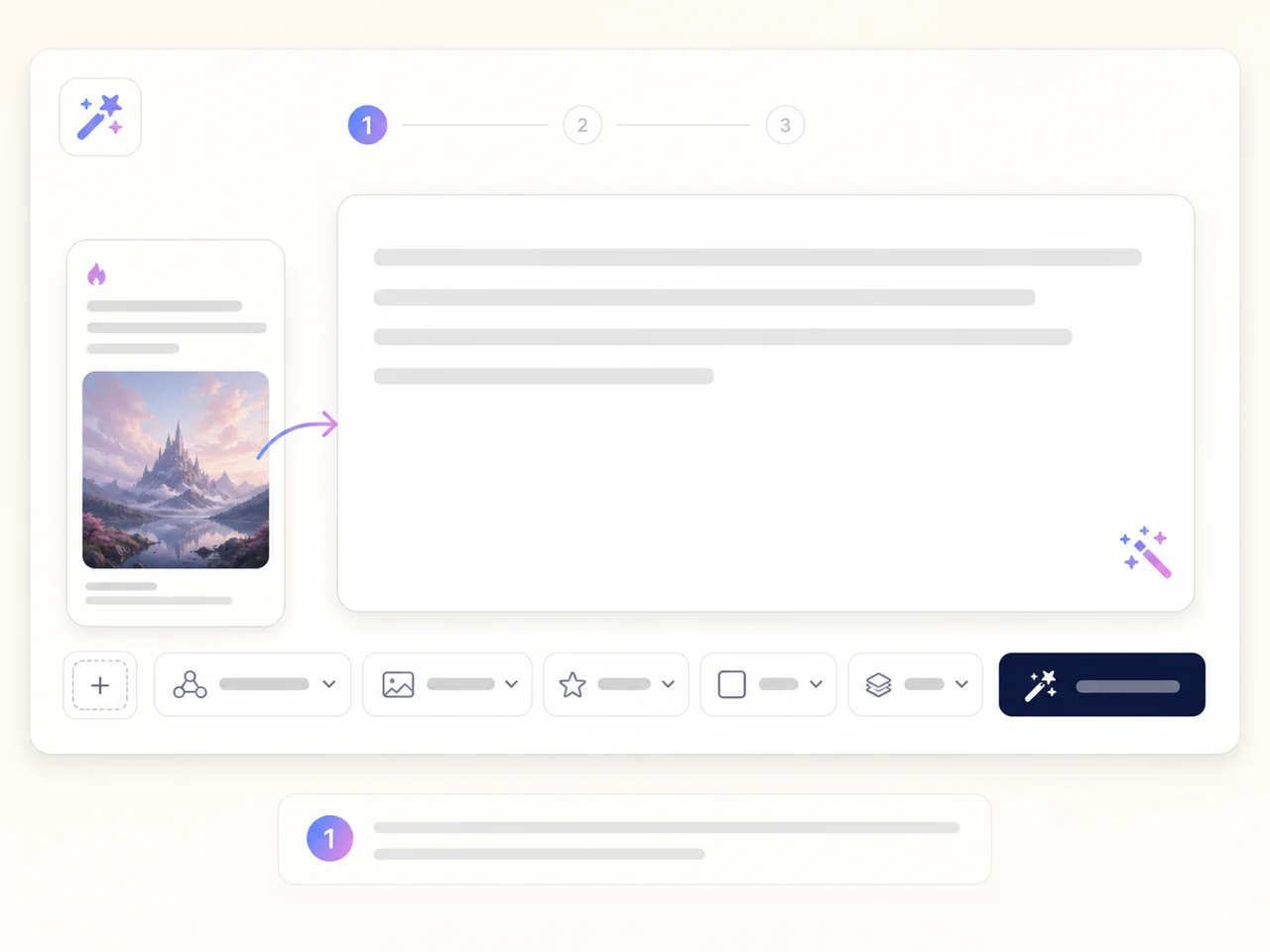
Move from a popular prompt into the generator, then edit the text, references, and format.
Models and reference-image controls
Choose from currently available models and settings for the image you want to create.
Private history, intentional publishing
Generation history stays private and enters the public gallery only when you publish it.
How to generate AI images online
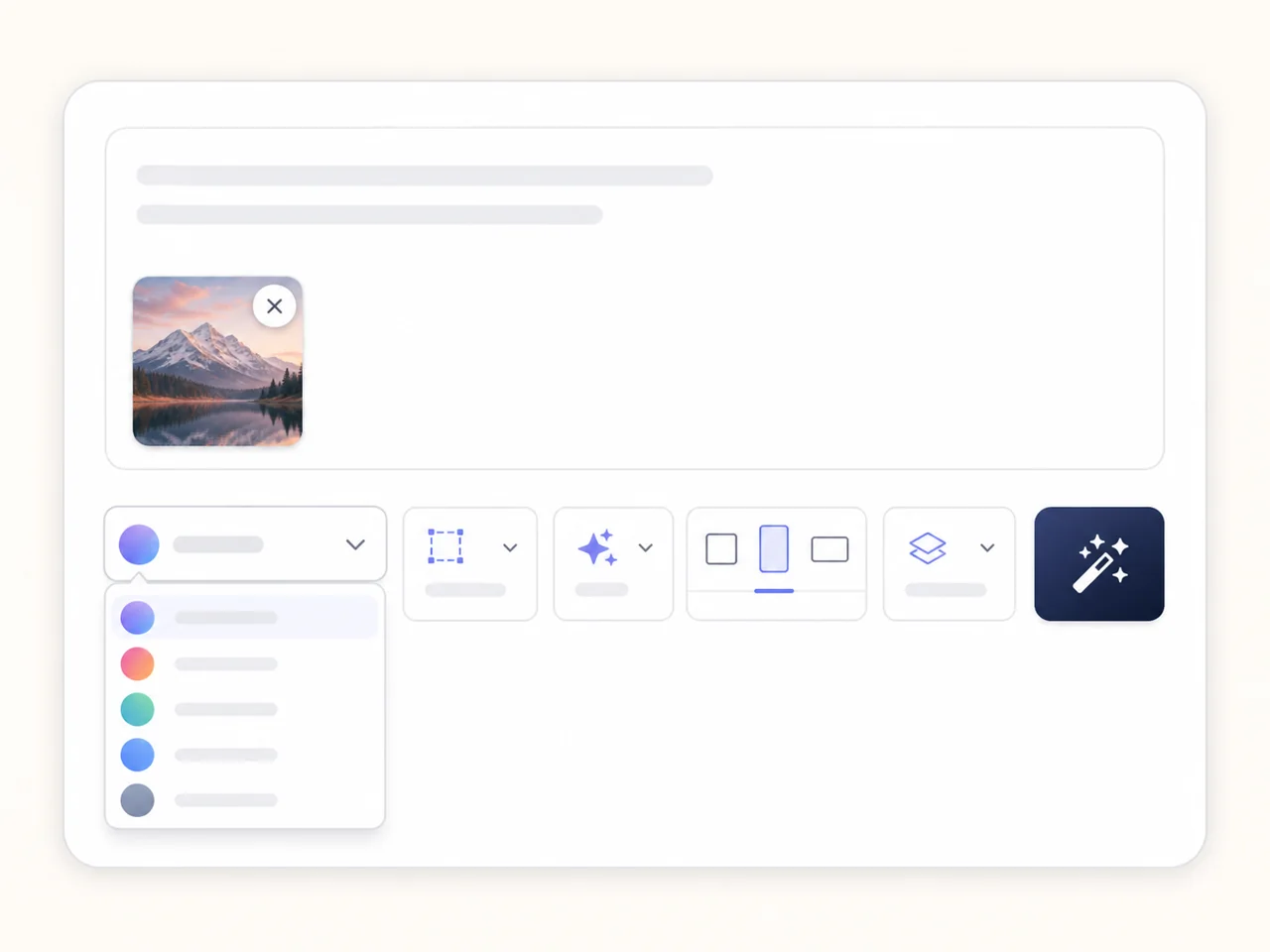
Choose a community prompt or write your own description, set the model and format, then sign in to generate.
Step 1: Choose or write a prompt
Start with a popular PromptBox prompt or describe the subject, setting, composition, light, and style.
Step 2: Set model and references
Choose a model, aspect ratio, resolution, and image count, then add references when needed.
Step 3: Generate, download, or publish
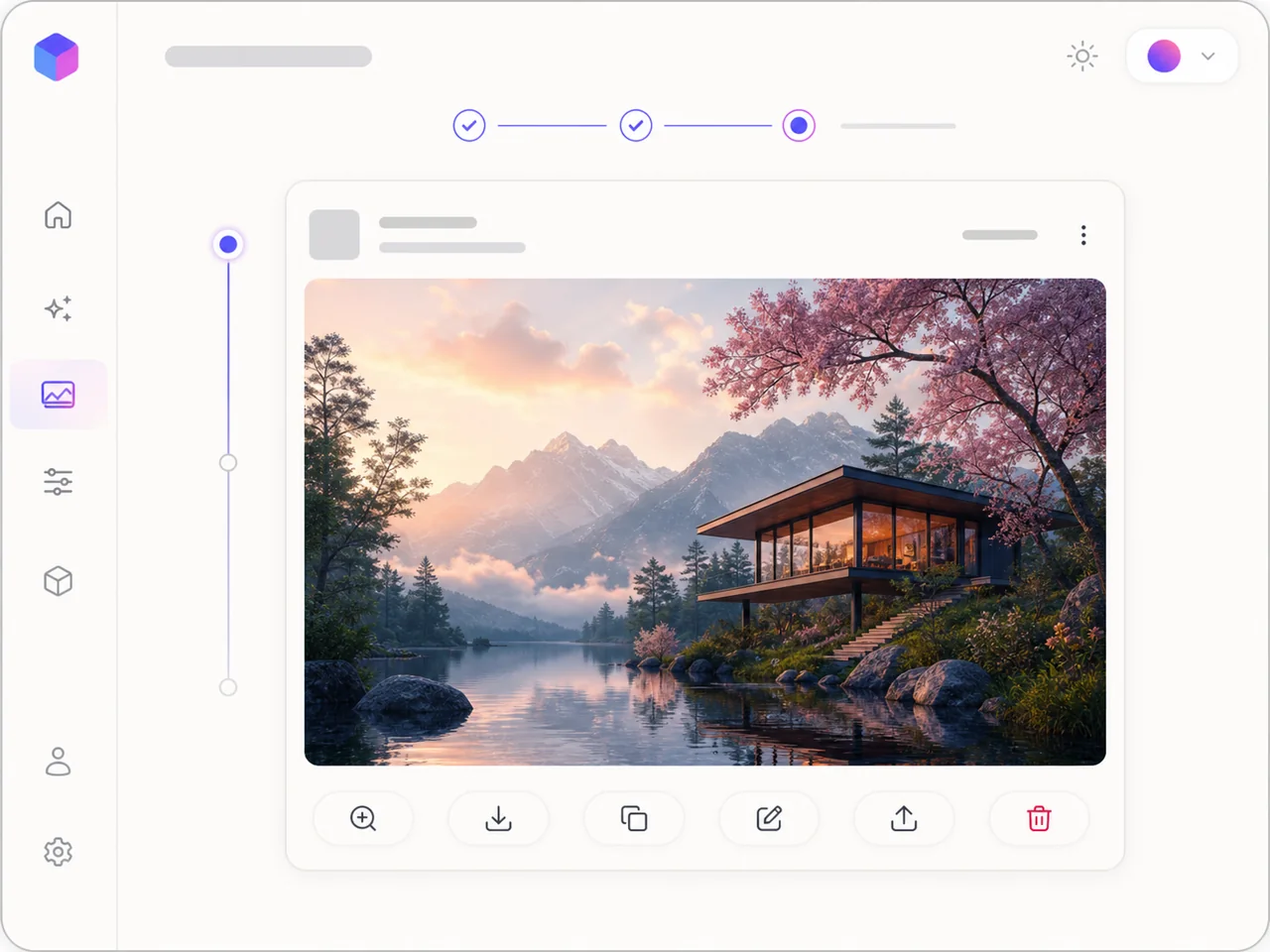
Results enter your private history for download and reuse, or you can publish them to the artwork gallery.
Frequently asked questions about AI image generation
What is an AI image generator?+
An AI image generator turns written prompts or reference images into new visuals for posters, ecommerce, avatars, illustrations, and content.
How do I generate an image from text?+
Describe the subject, scene, composition, light, and style, choose a model and format, then submit the request. You can also edit a popular prompt first.
Can I use popular PromptBox prompts?+
Yes. Click a prompt card to send it into the generator. This only fills the editor and does not generate an image or spend credits.
Does AI generation support Chinese prompts and reference images?+
Yes. Chinese prompts are supported, and reference-image limits are shown for the currently selected model.
Do I need to sign in or use credits?+
You can browse the generator and prompts without signing in. Generation requires an account and credits, with the cost shown before submission.
Are AI generation records public?+
No. Results stay in private generation history until you intentionally publish one to the public gallery.
How do I continue editing a generated image?+
Create again restores the prompt, model, ratio, resolution, and valid references without generating or spending credits automatically.
Can I download or publish generated images?+
Yes. Open a completed result to download it, or publish a selected result as public PromptBox artwork.
Start AI image generation with a better prompt
Choose a popular community prompt or write your own description, then generate and manage your next AI image in PromptBox.