










How to Write an AI Icon Design Prompt
A strong icon prompt starts with a clear system, not a decorative object. Define what the symbol must communicate, then control its shape, material, and rendering.
- 01
Define the icon purpose
Name the feature, action, object, or concept and decide whether it belongs in an app, interface, presentation, game, or brand system.
- 02
Set the shape grammar
Describe silhouette, stroke weight, corner radius, symmetry, perspective, detail level, and the visual language shared by the icon family.
- 03
Choose material and color
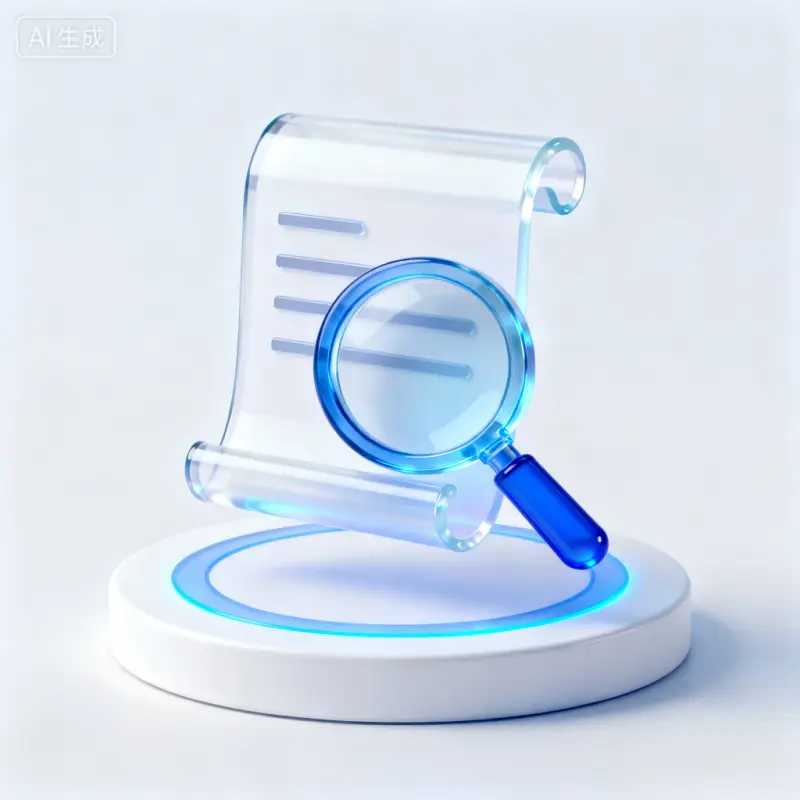
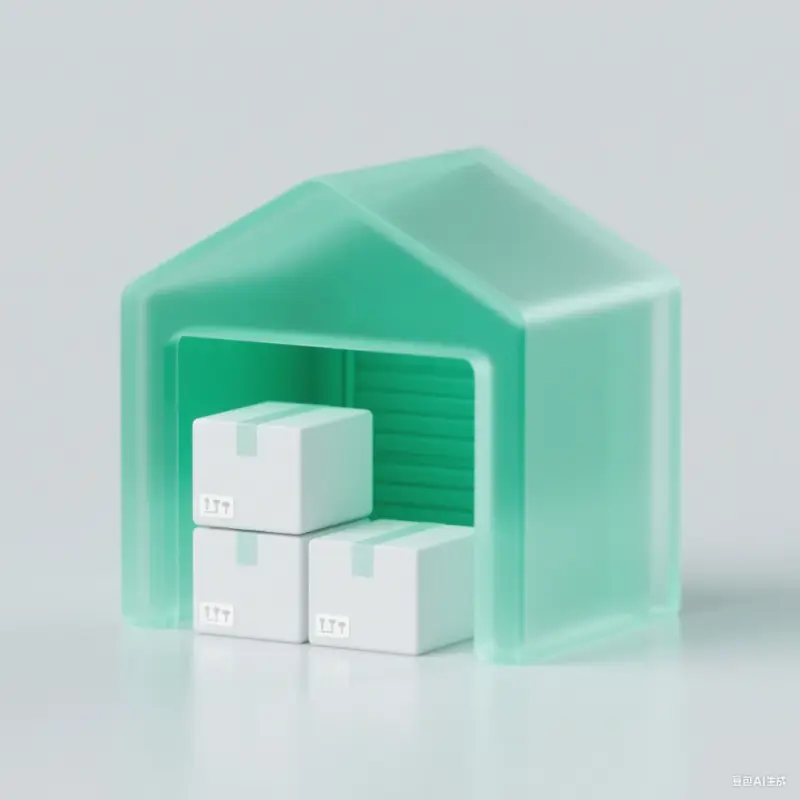
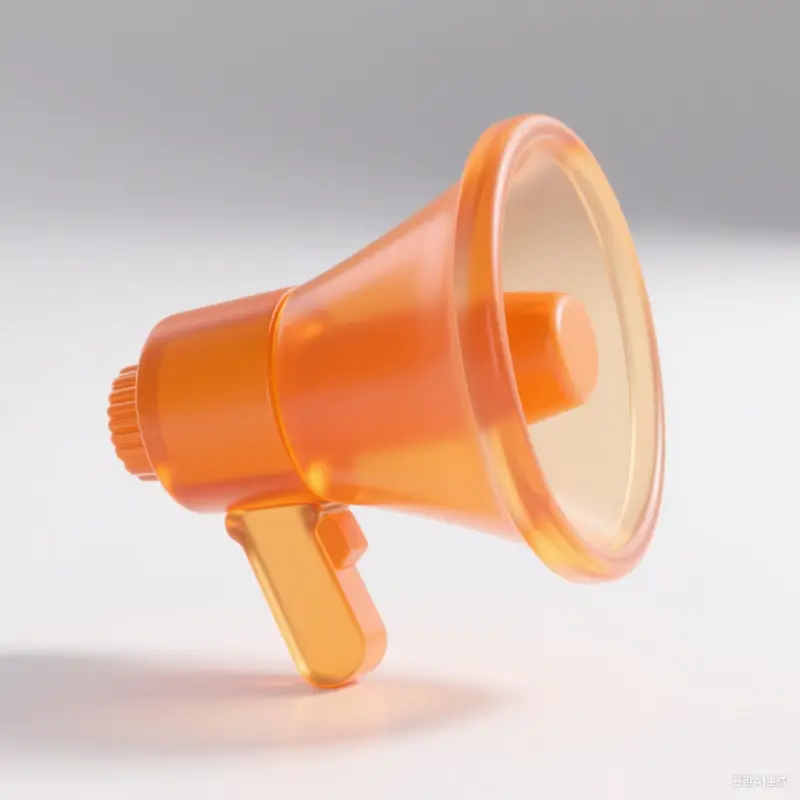
Specify flat vector, outlined, filled, glass, clay, metal, or 3D treatment along with a limited palette and lighting direction.
- 04
Test at the final scale
State the intended canvas, padding, background, and export need. Simplify small details so the icon remains recognizable outside the generation preview.
Icon Prompt Ideas by System
4 starting points
App feature icons
Prioritize quick recognition, consistent stroke or fill behavior, and enough contrast against the interface background.
3D feature symbols
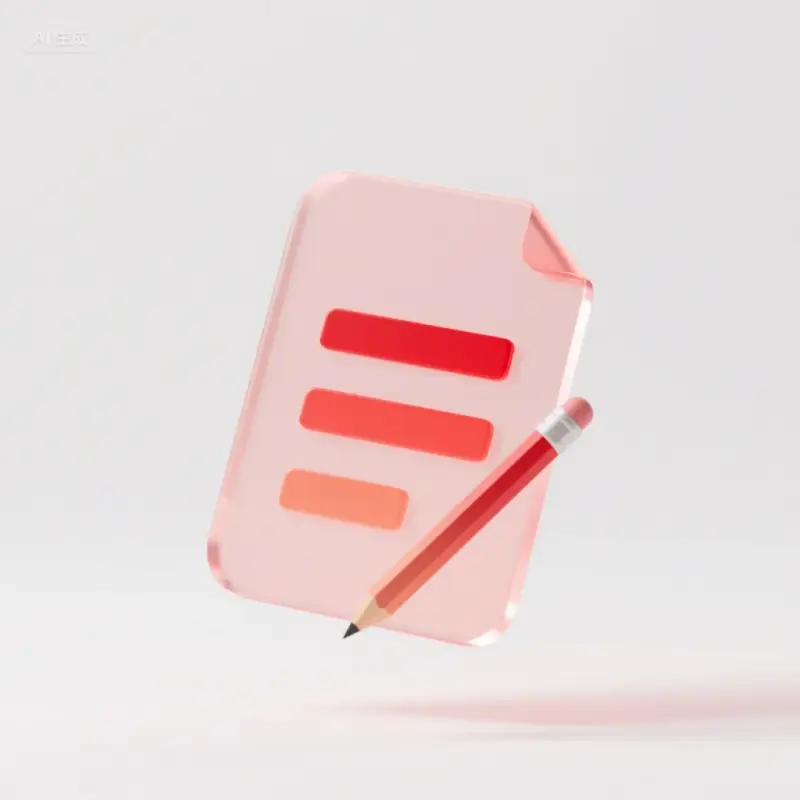
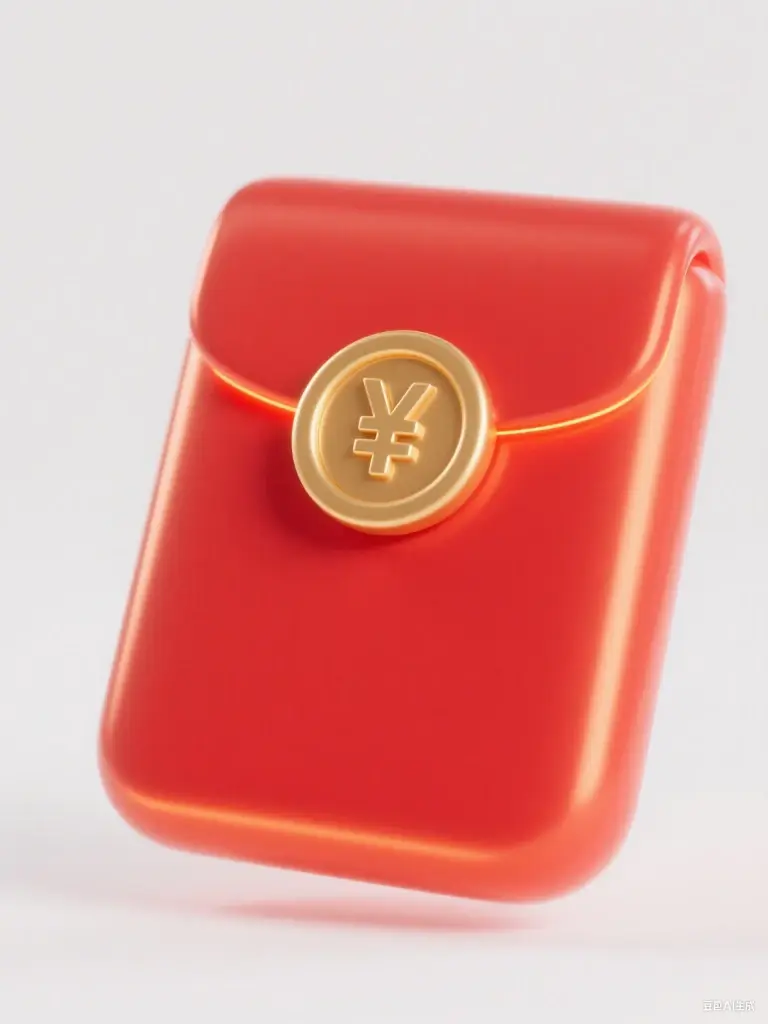
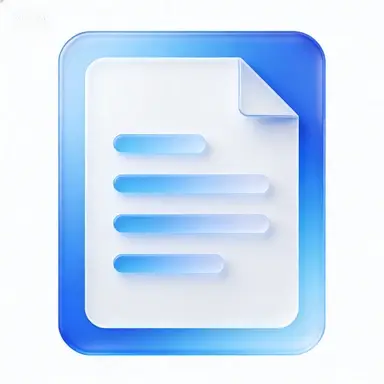
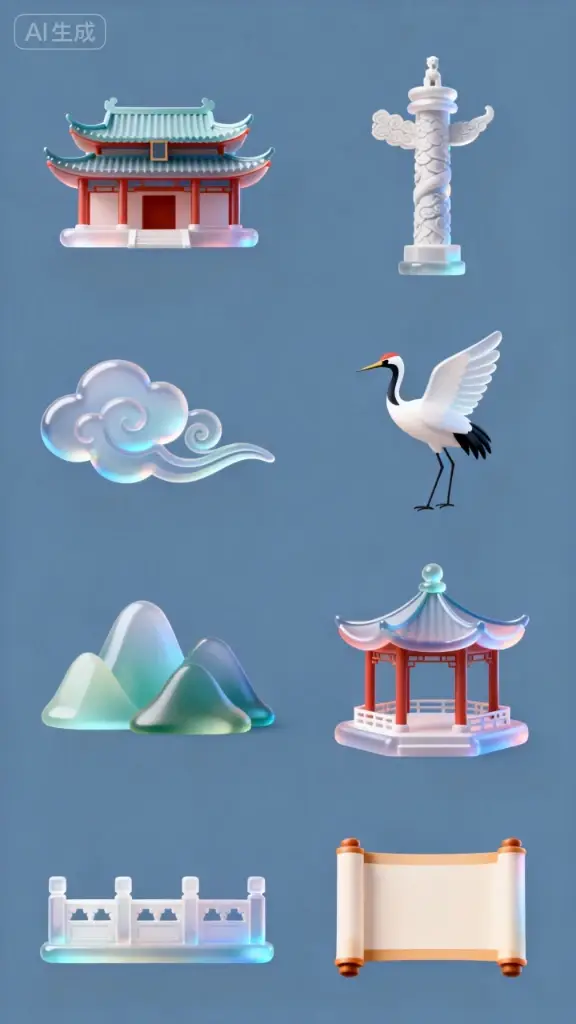
Use one clear object, a controlled camera angle, soft studio light, and a simple background for a polished dimensional set.
Brand illustration icons
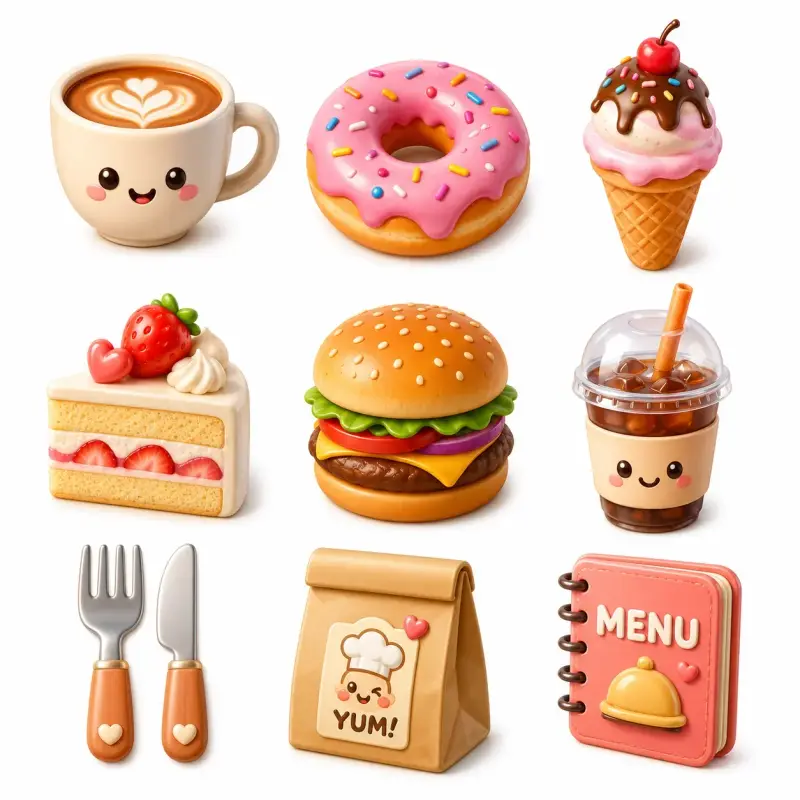
Build a distinct shape language and palette that can carry a campaign or product personality across several symbols.
Seasonal stickers
Keep the silhouette simple, then add a small set of recognizable seasonal cues without losing the base system.