


How to Write an AI Poster Design Prompt
A useful poster prompt gives the model clear direction on message, hierarchy, composition, and finish. Build it in four parts.
- 01
Define the poster purpose
State whether the image is for an event, campaign, product launch, film, editorial story, or social post. The purpose controls the visual hierarchy.
- 02
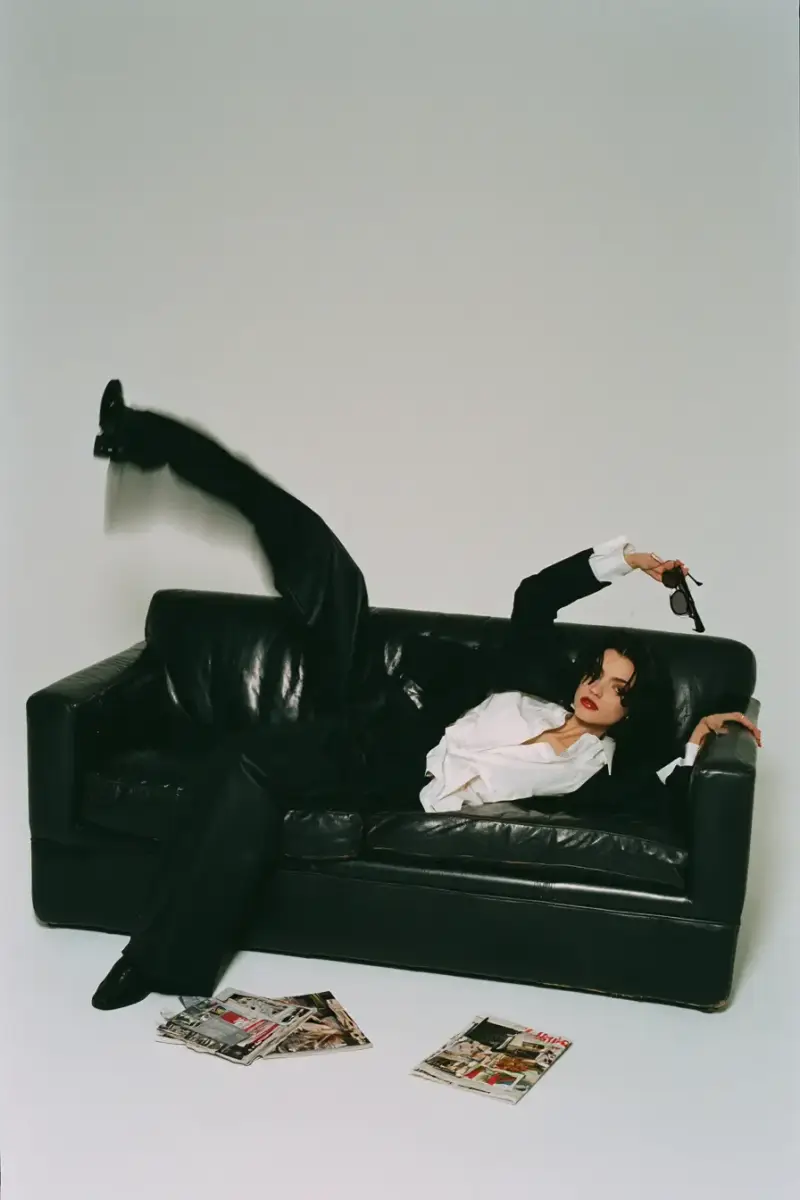
Describe the focal subject
Name the person, product, object, or idea that should dominate the composition. Add the intended camera angle or illustration treatment when it matters.
- 03
Set the art direction
Specify a visual style, color palette, lighting, mood, and typography character. Use concrete references such as Swiss grid, cinematic neon, or editorial collage.
- 04
Control the layout
Add orientation, negative space, headline placement, depth, and aspect ratio. Ask for clean text zones when you plan to finish the type in a design tool.
Poster Prompt Ideas by Use Case
4 starting points
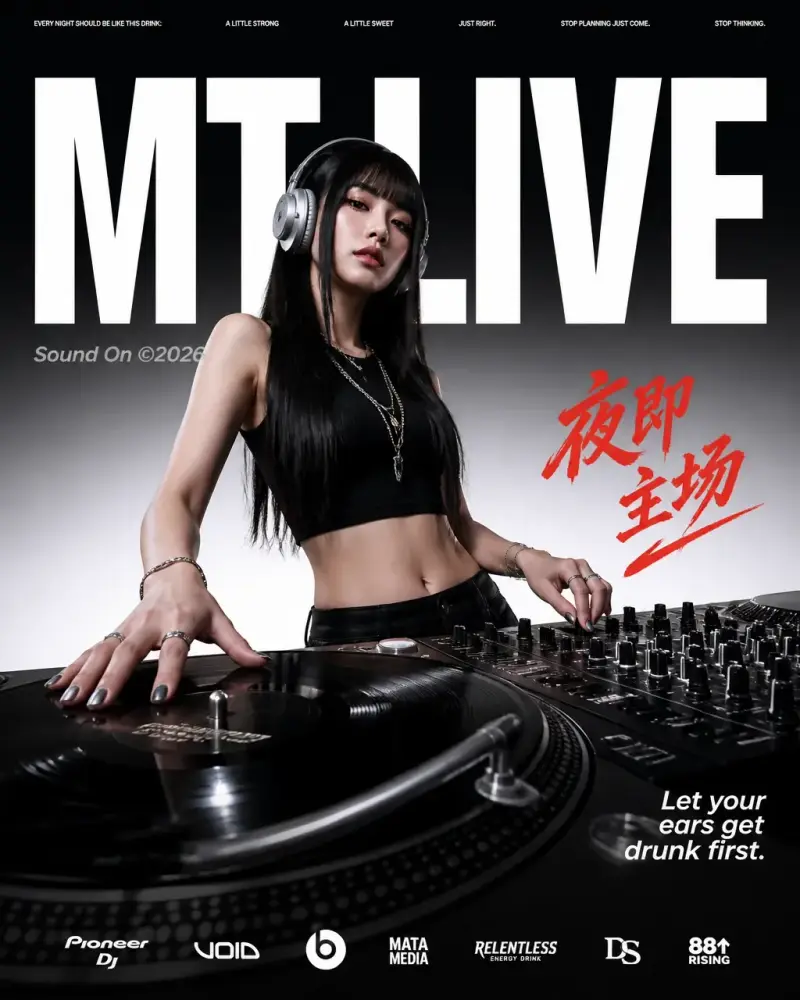
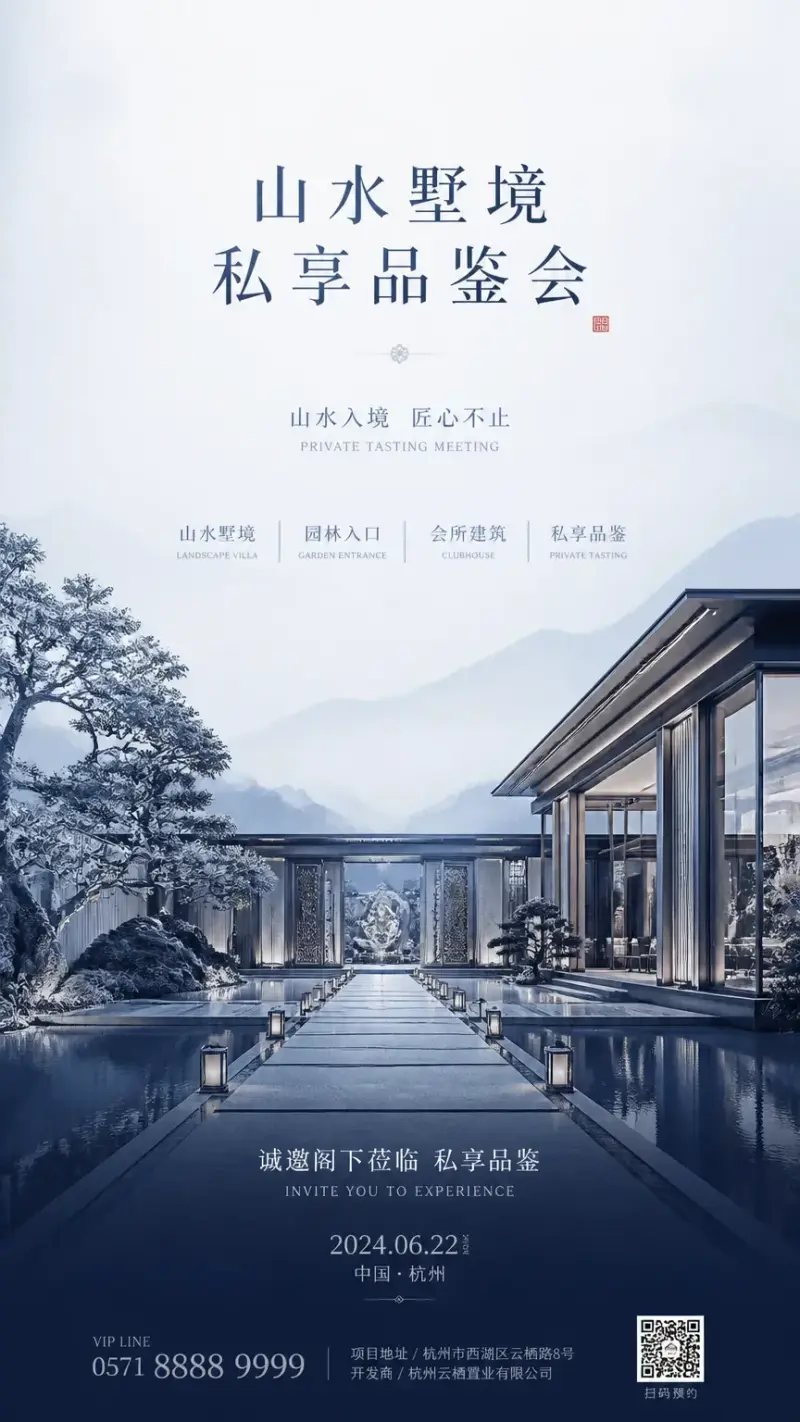
Event posters
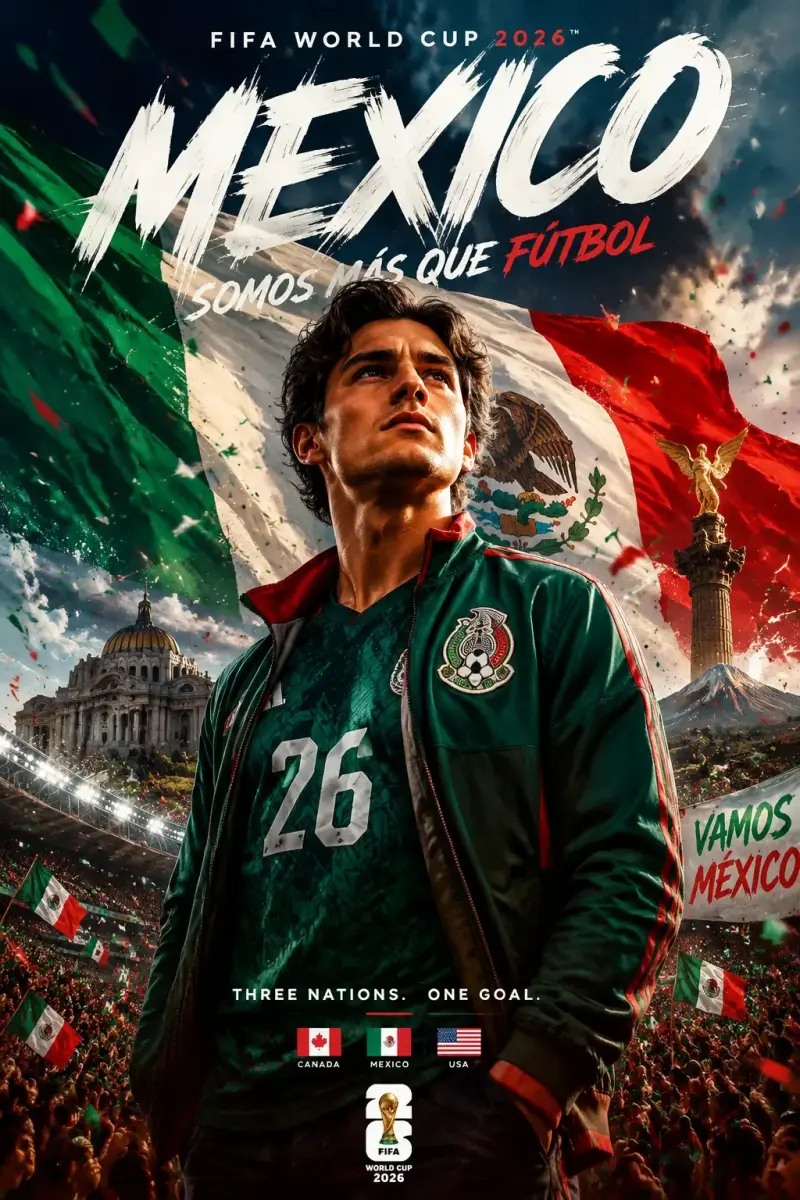
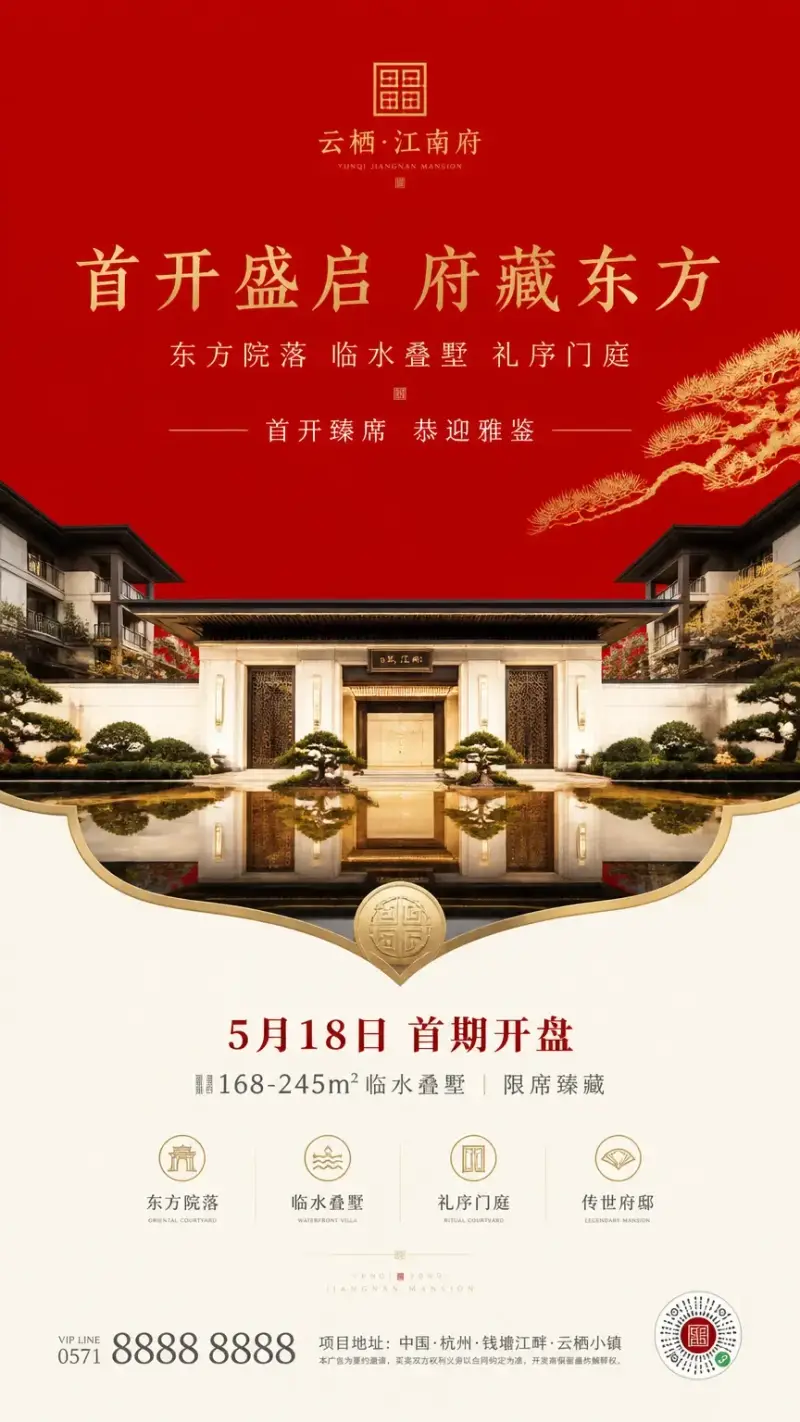
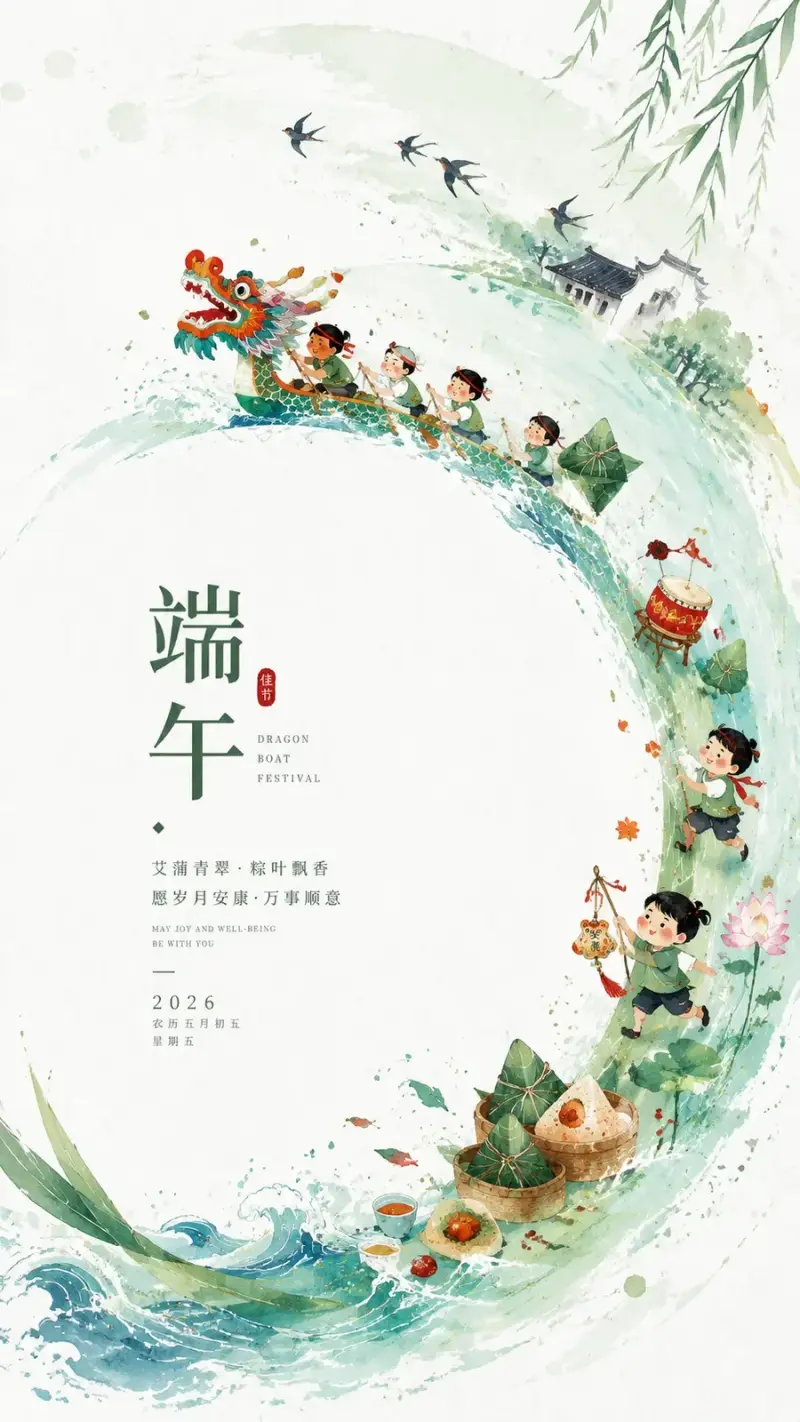
Create a strong date and venue hierarchy with an image that still reads clearly from a distance.
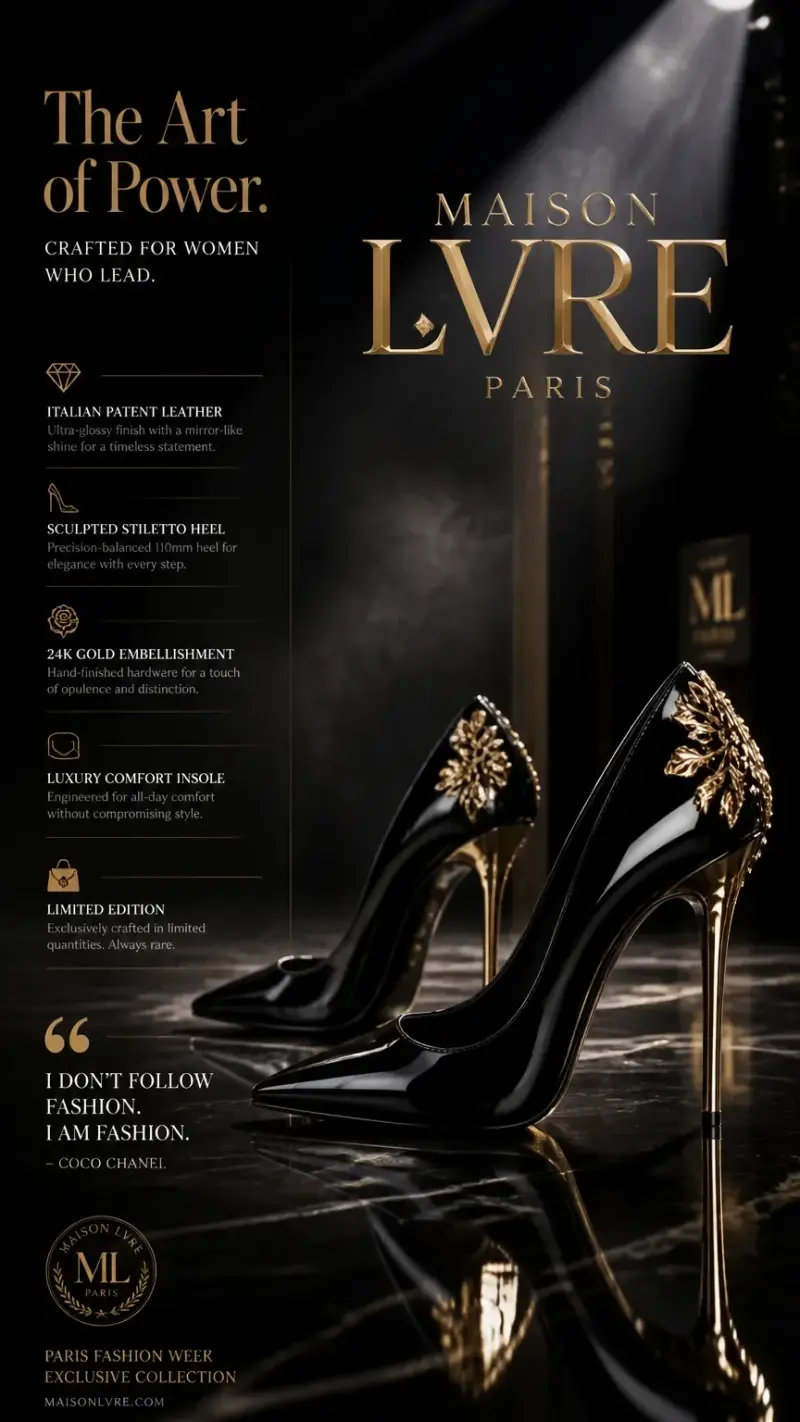
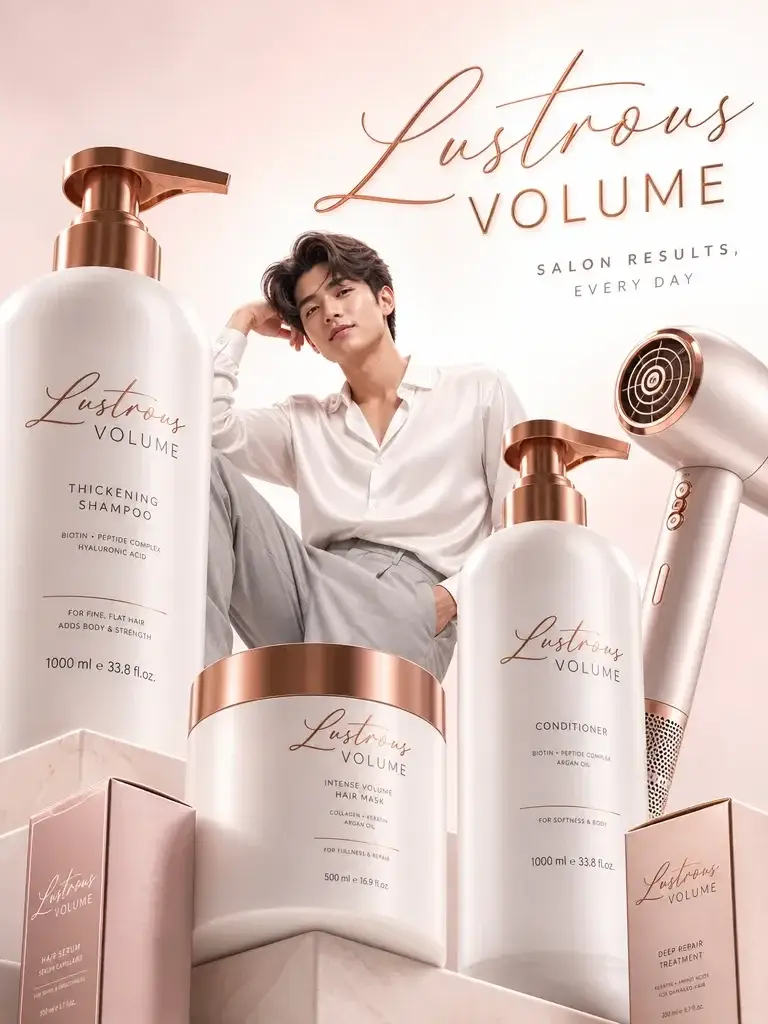
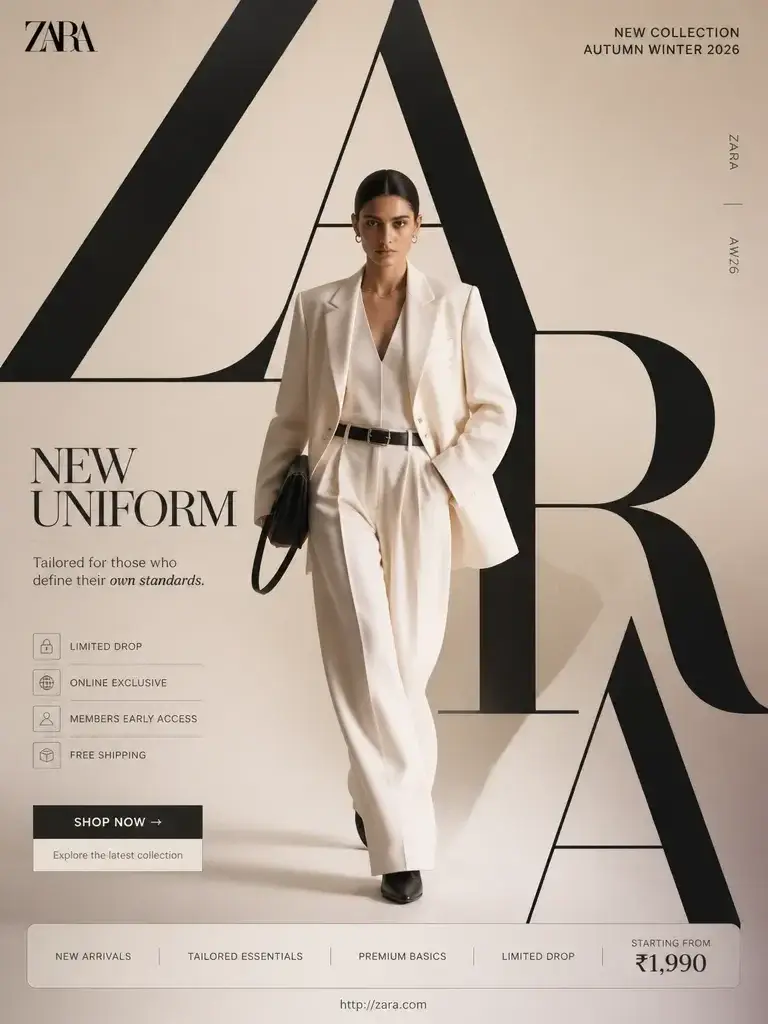
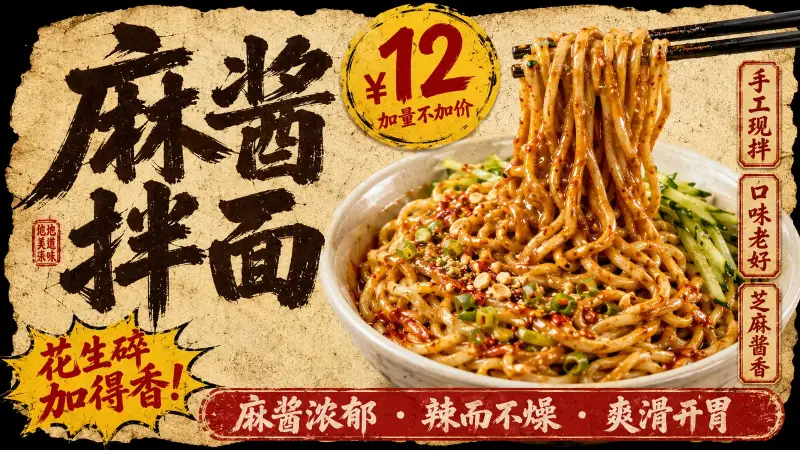
Product campaigns
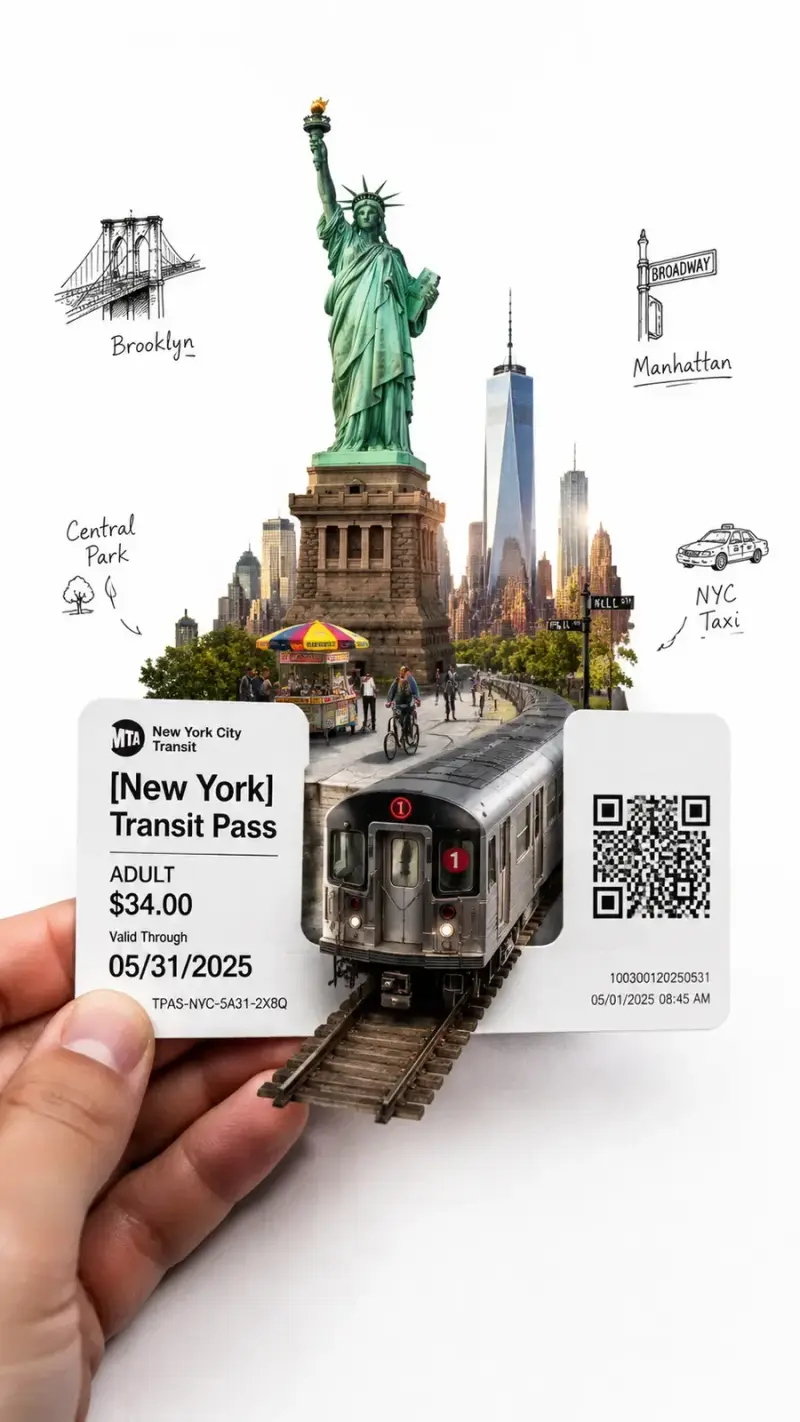
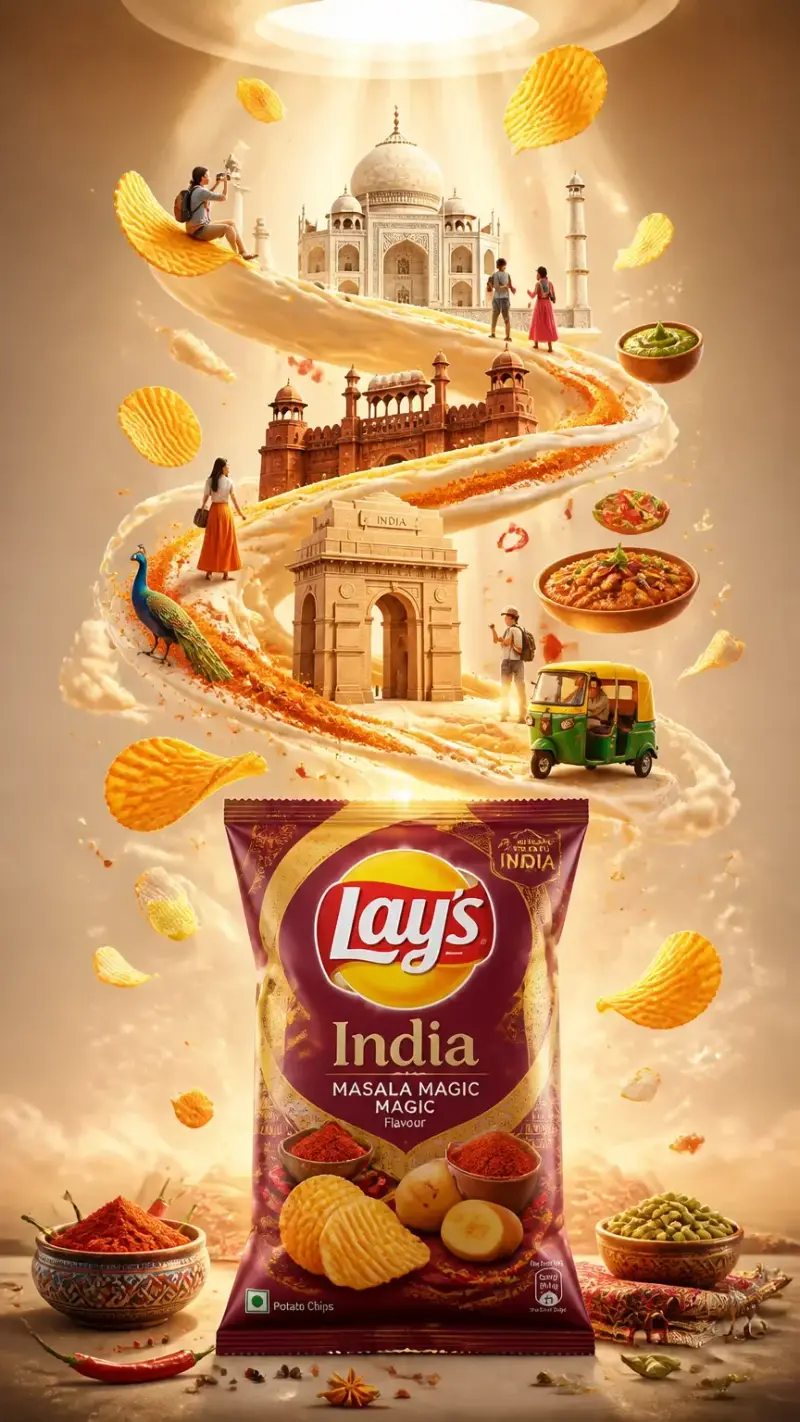
Place the product in a controlled hero composition with lighting and surfaces that match the brand.
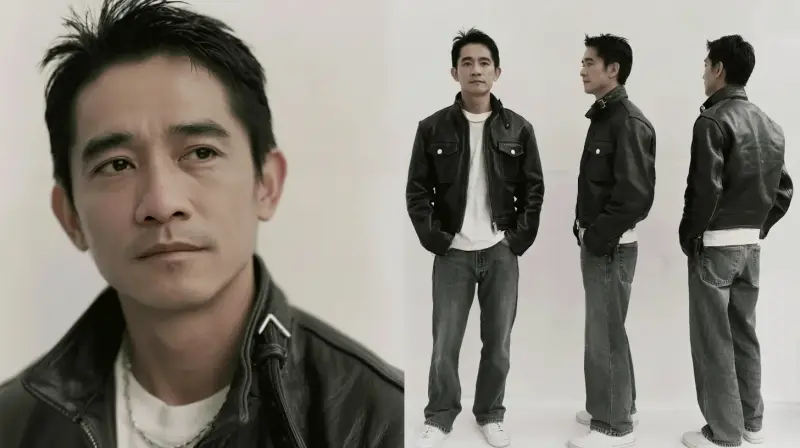
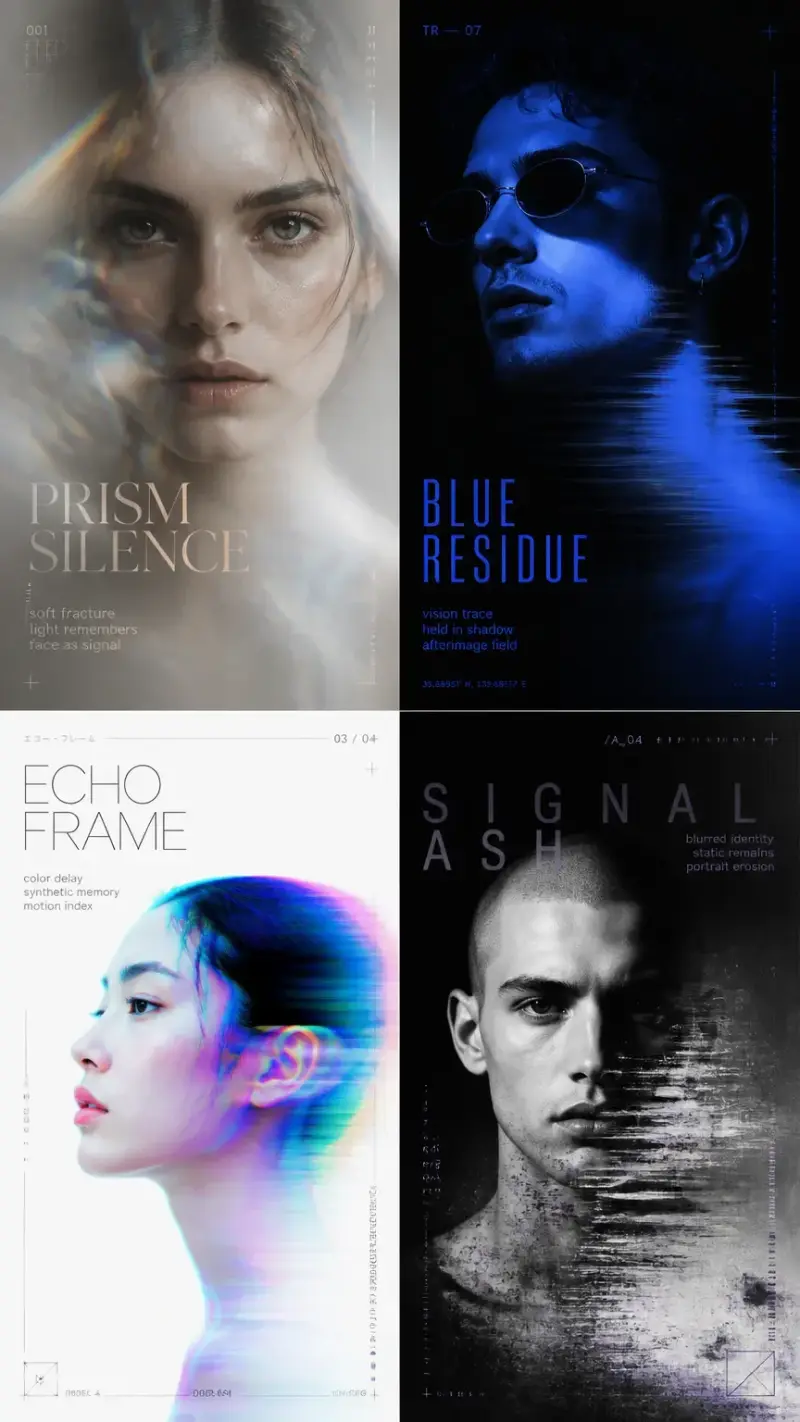
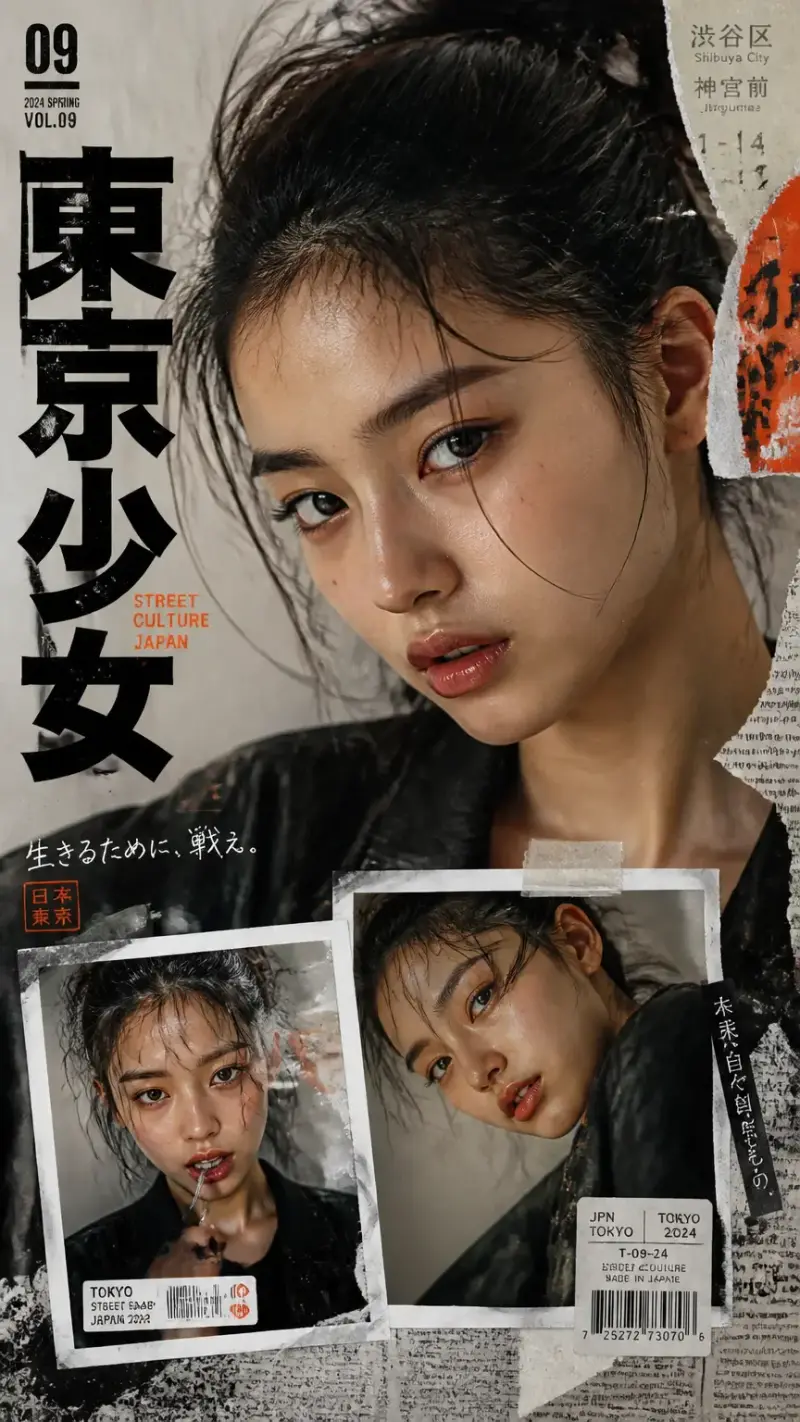
Editorial posters
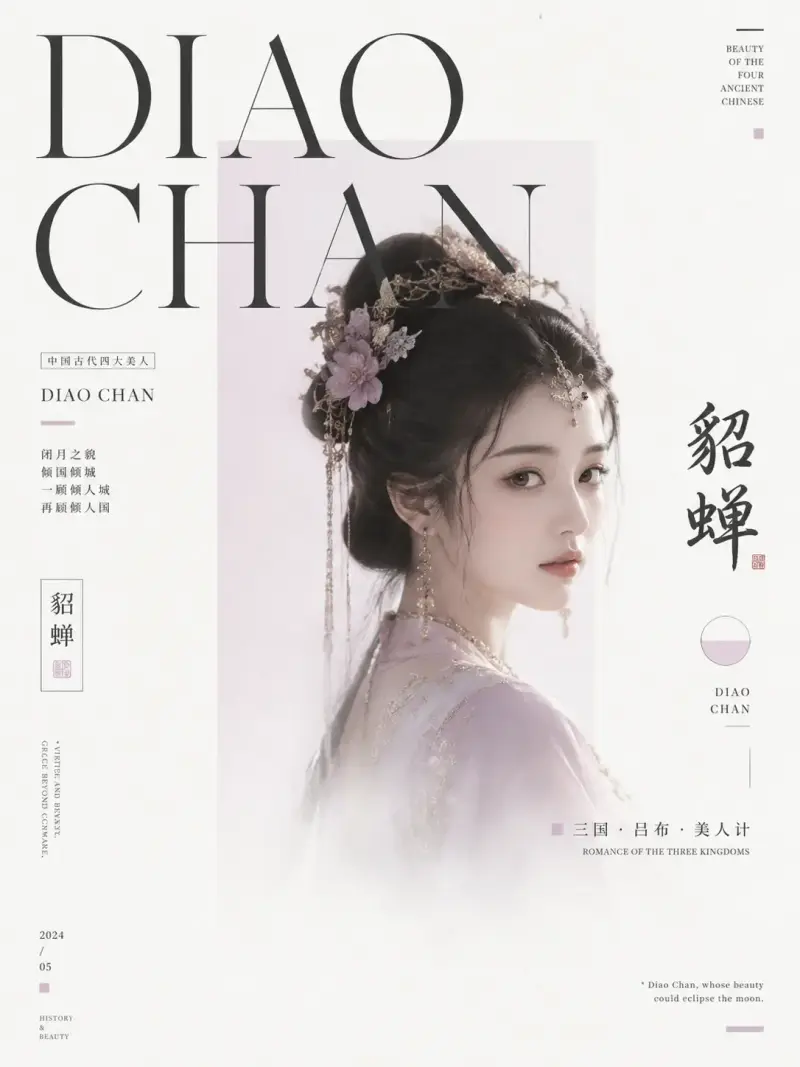
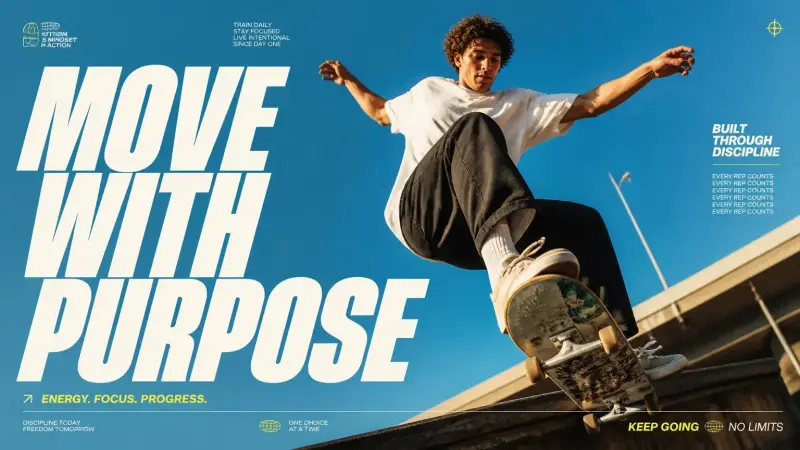
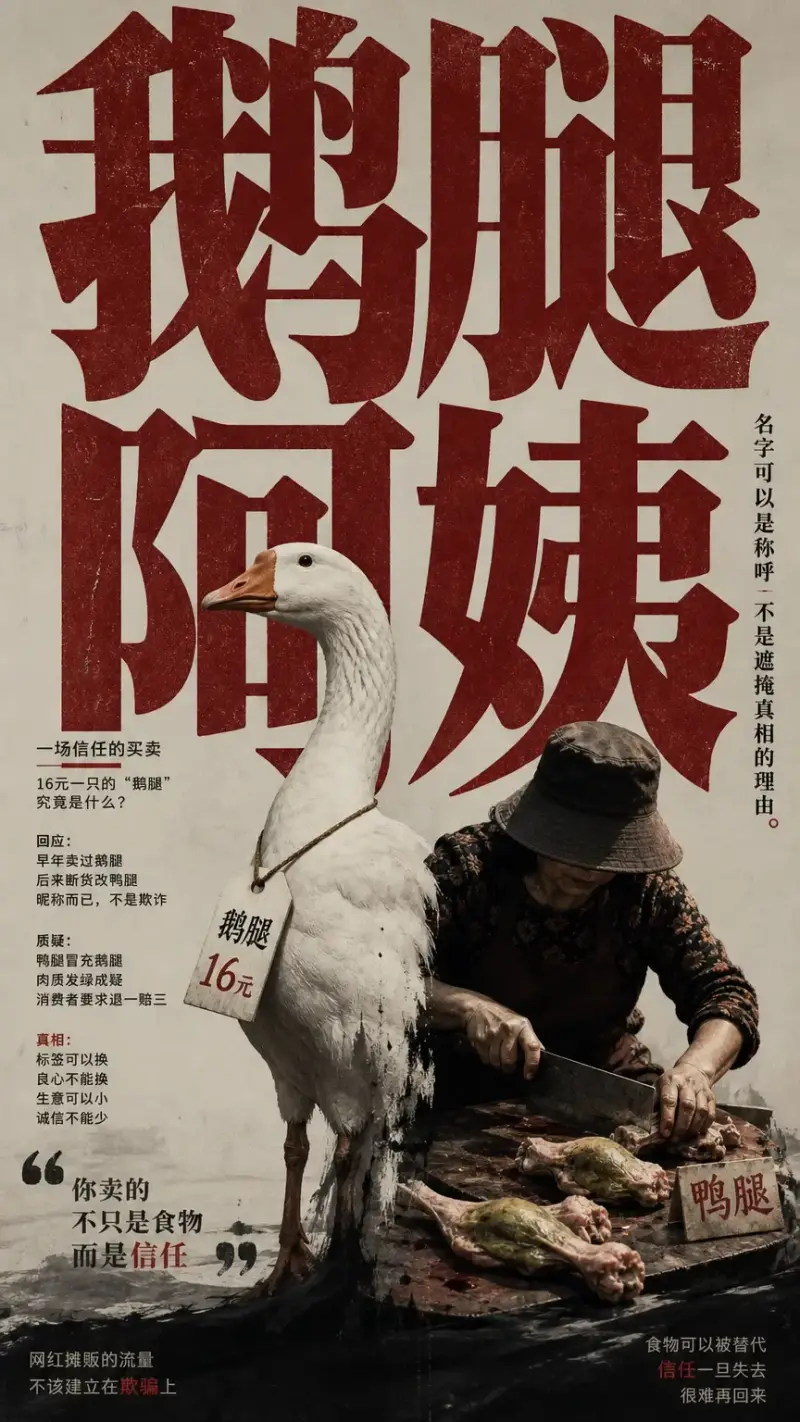
Combine portrait, collage, texture, and expressive type zones for magazine-style art direction.
Typography posters
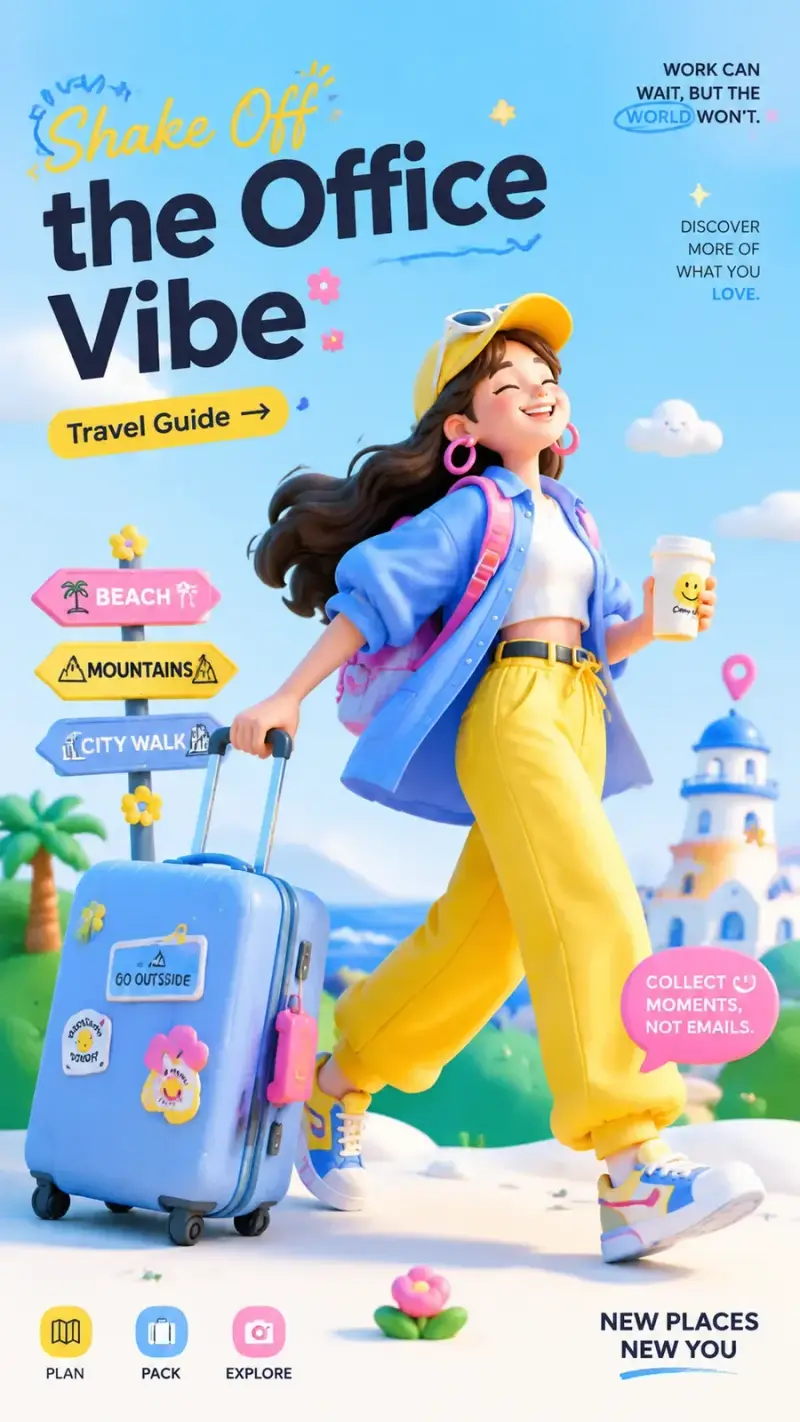
Treat letterforms as the main visual element and describe scale, rhythm, spacing, and material.