




How to Write an AI Product Photography Prompt
Strong product prompts describe what must stay accurate and what the model can interpret. Start with the product, then build the scene around it.
- 01
Identify the product
Name the product type, material, color, packaging, and important features. State which details must remain unchanged.
- 02
Choose a commercial angle
Describe a front view, three-quarter hero angle, top-down flat lay, macro detail, or lifestyle composition based on the listing goal.
- 03
Design the light and set
Specify hard or soft light, shadow direction, background color, surface, props, reflections, and the amount of negative space.
- 04
Add brand constraints
Define the audience, campaign mood, image ratio, and placement space for price, logo, or product copy.
E-commerce Image Prompt Use Cases
4 starting points
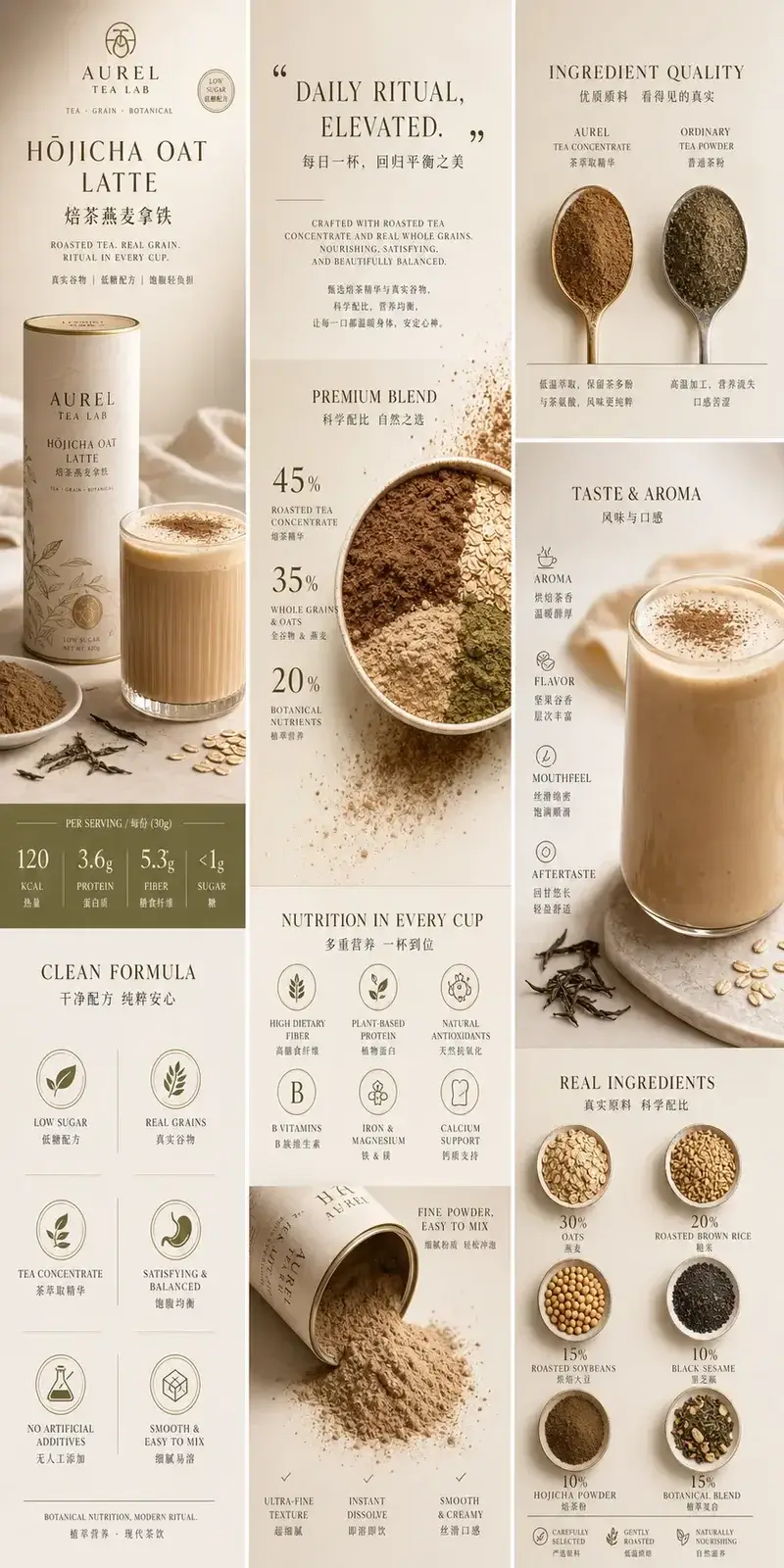
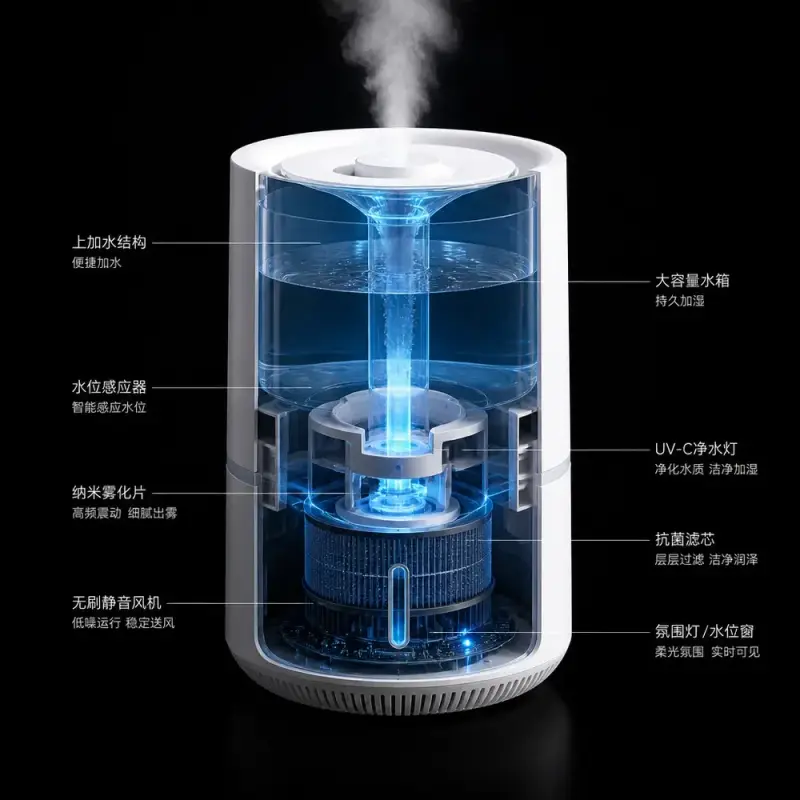
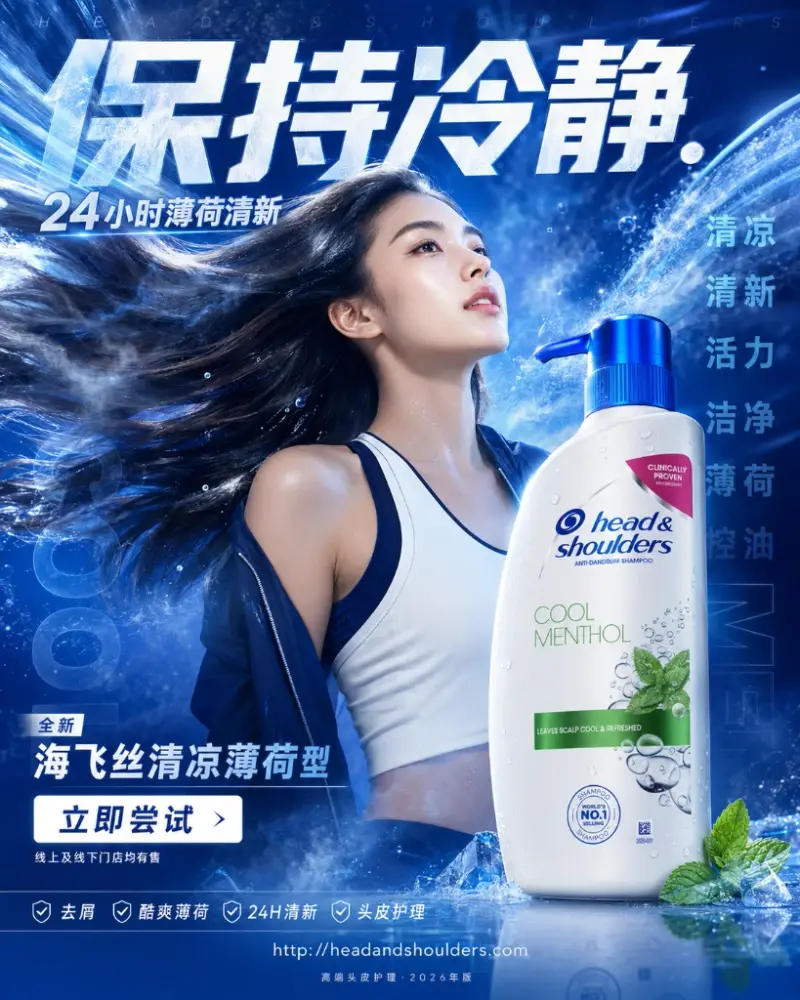
Marketplace hero images
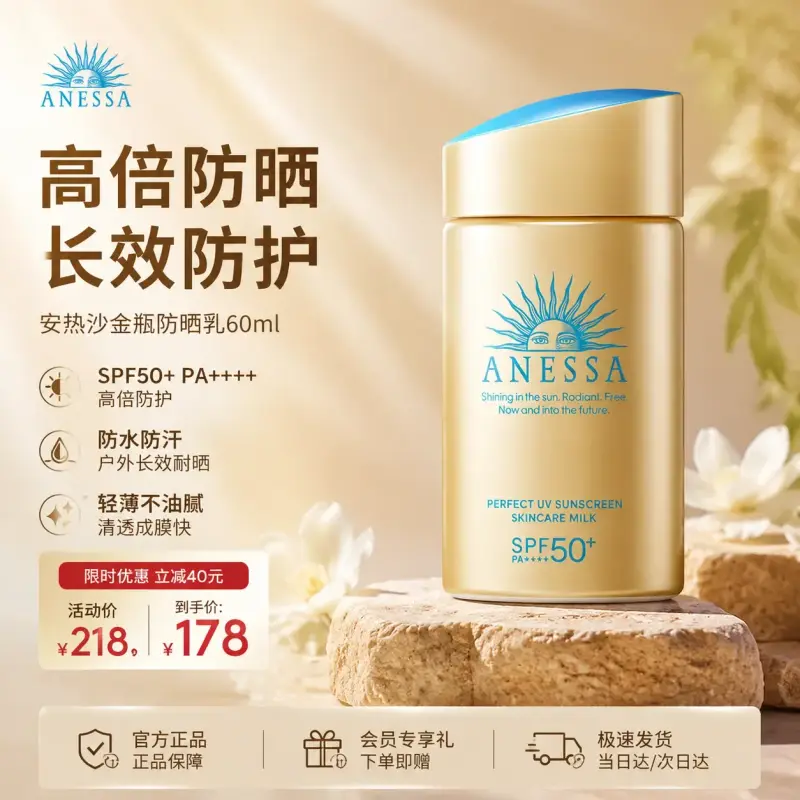
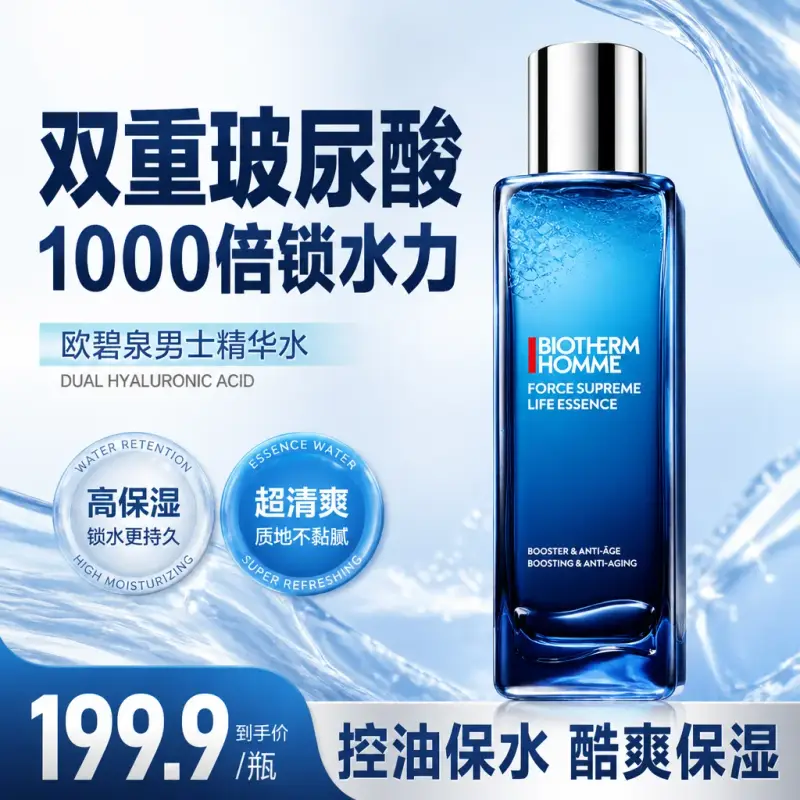
Use a clean background, accurate product shape, controlled shadows, and a clear product-first crop.
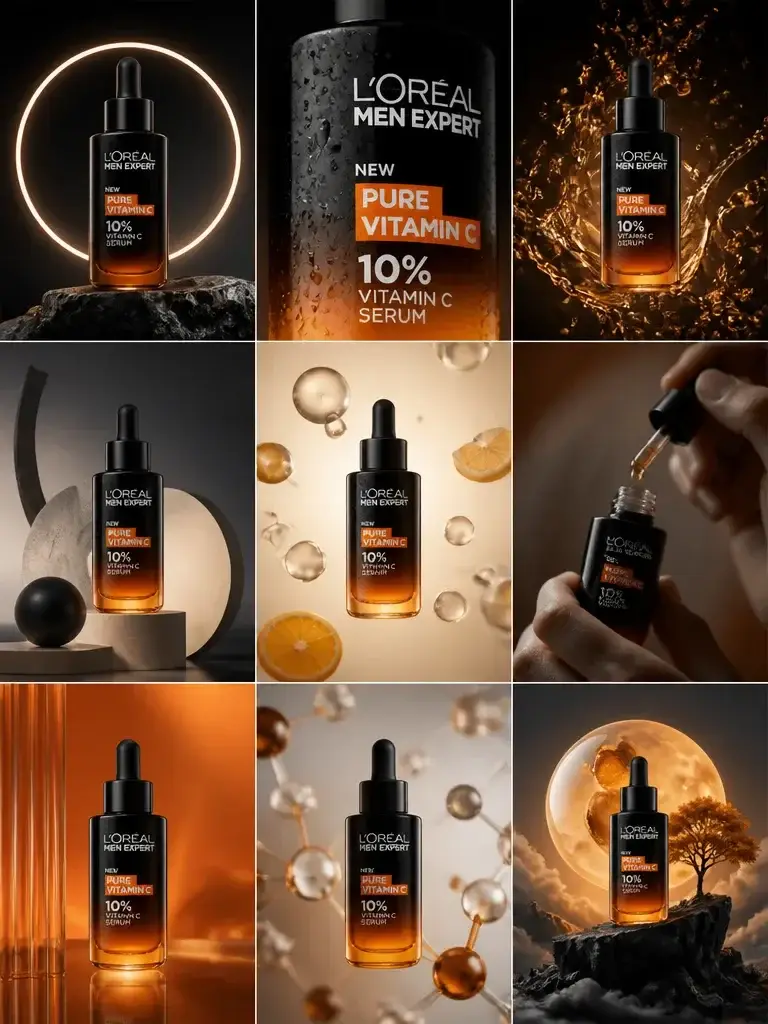
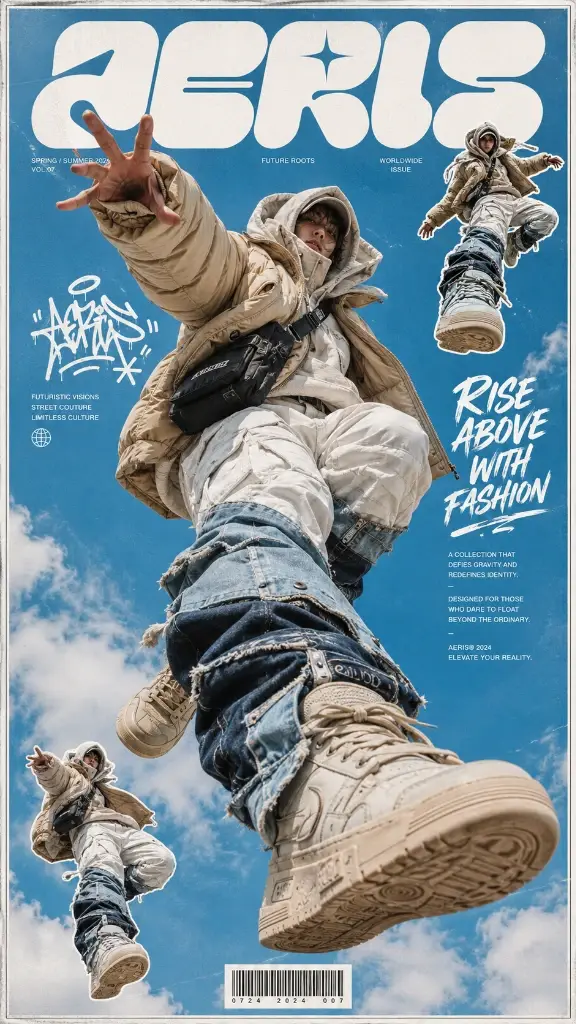
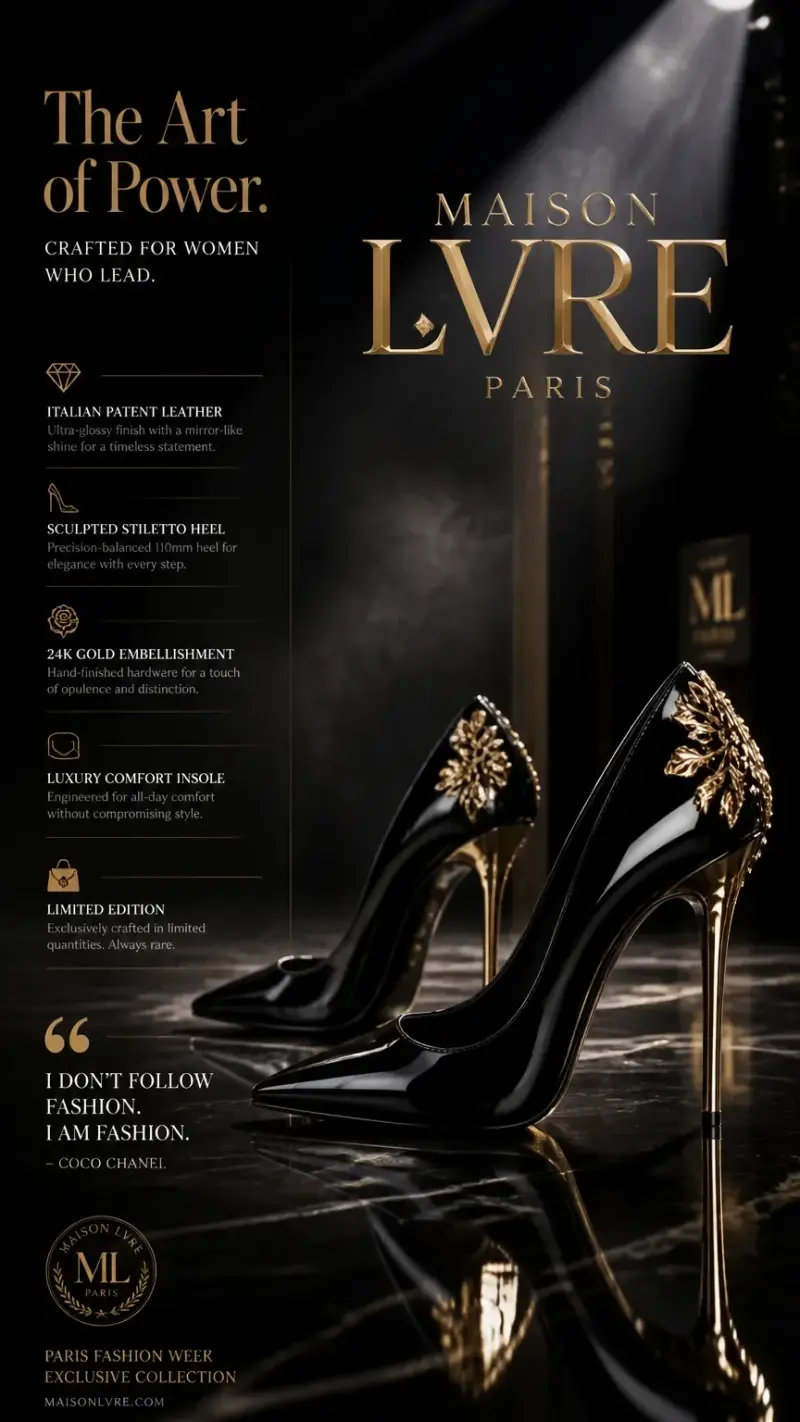
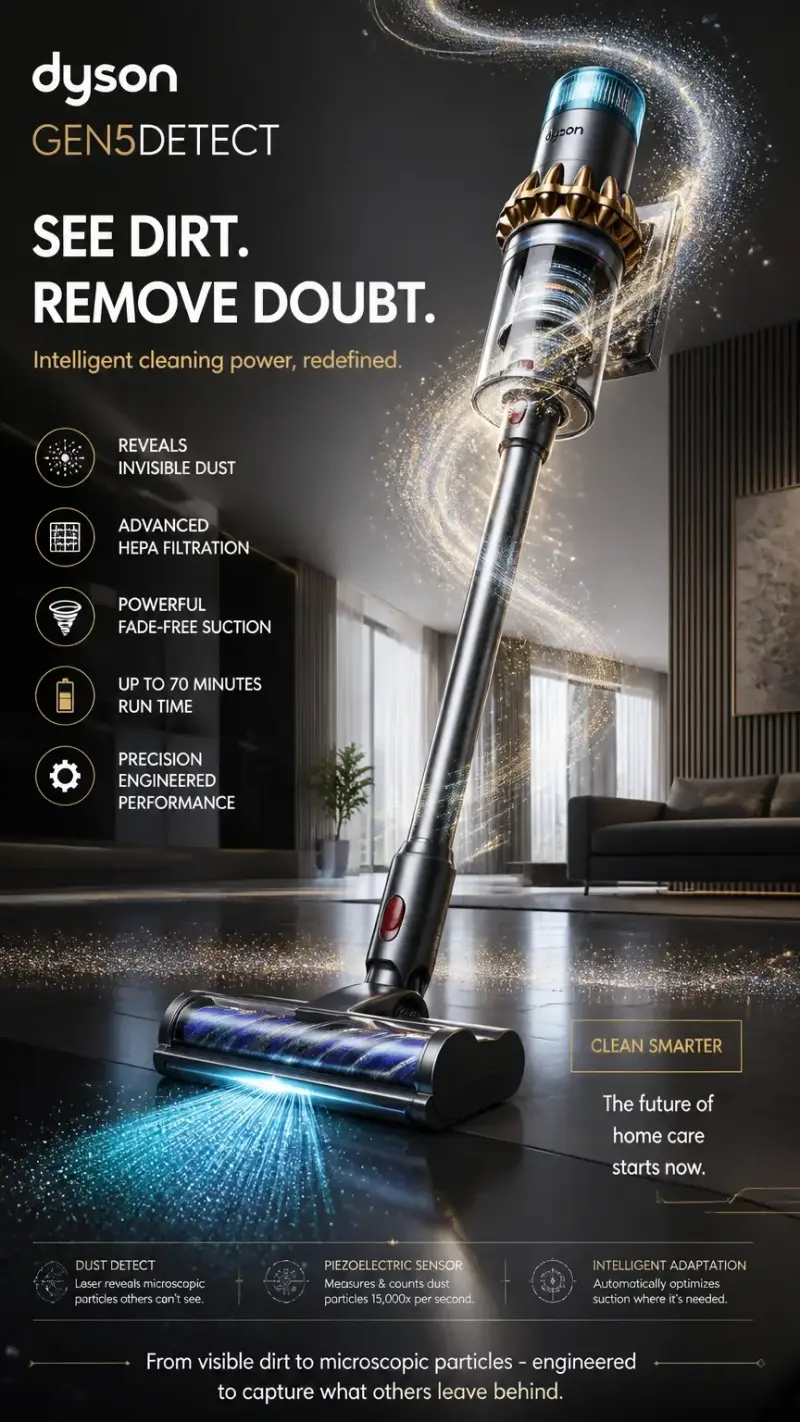
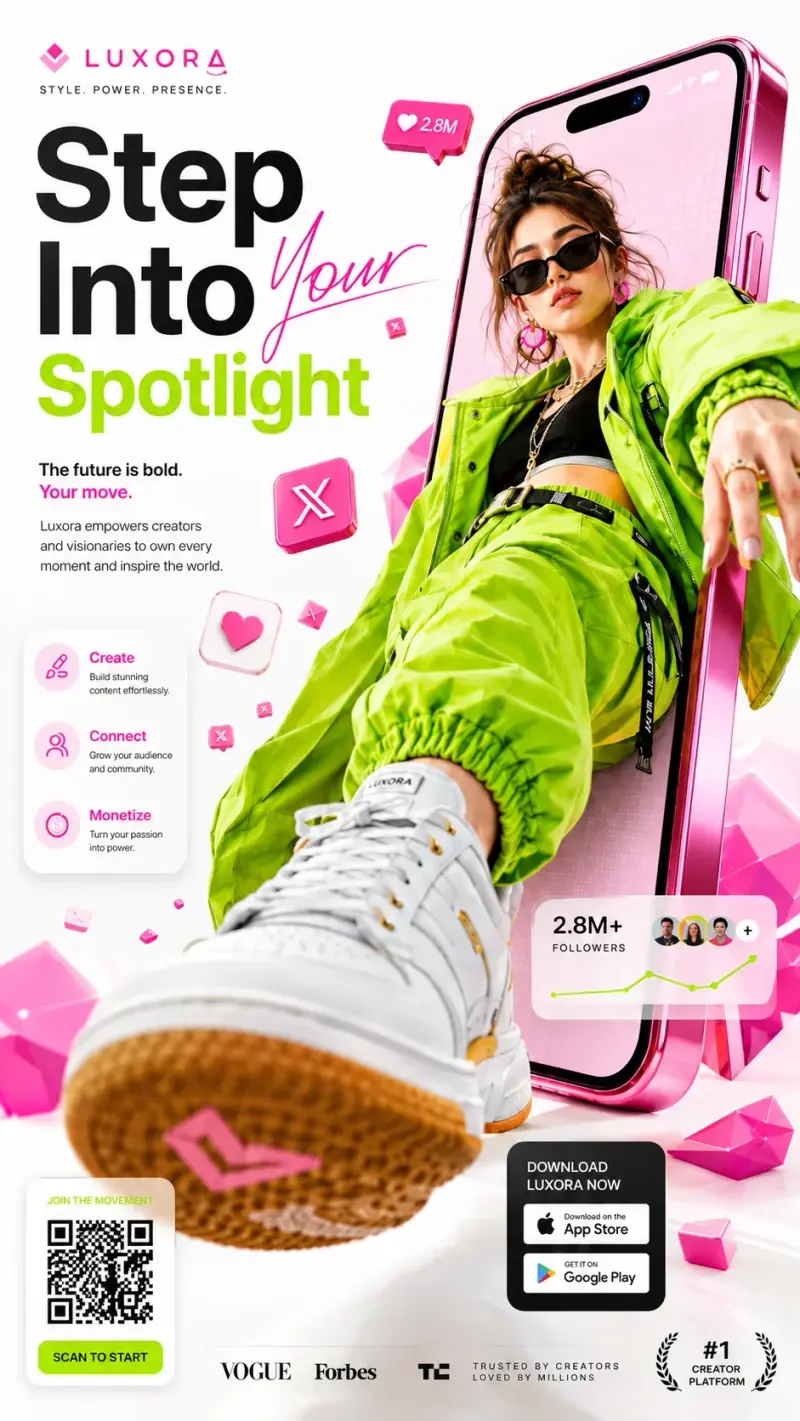
Campaign key visuals
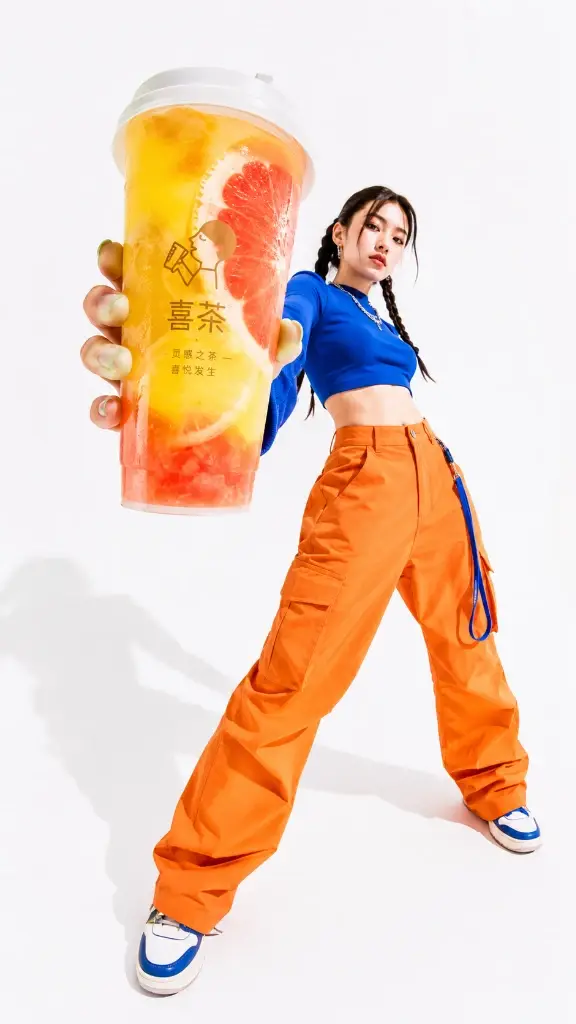
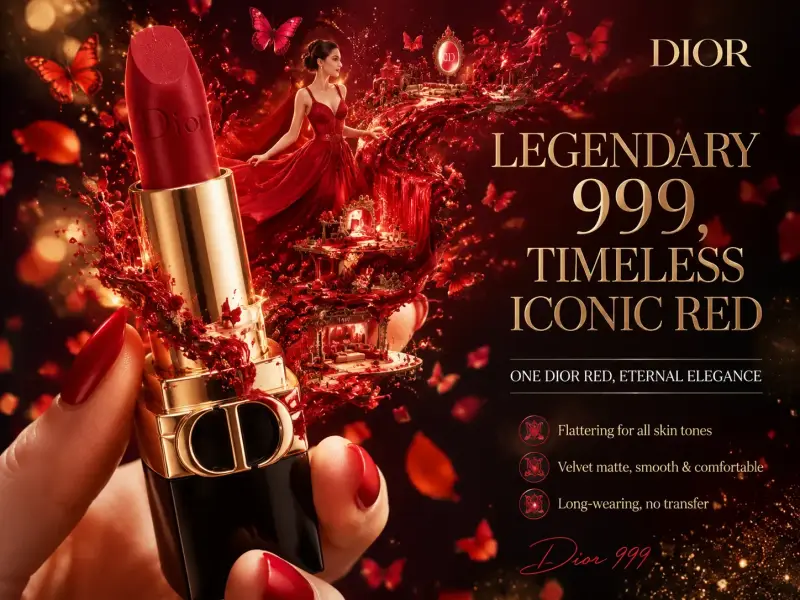
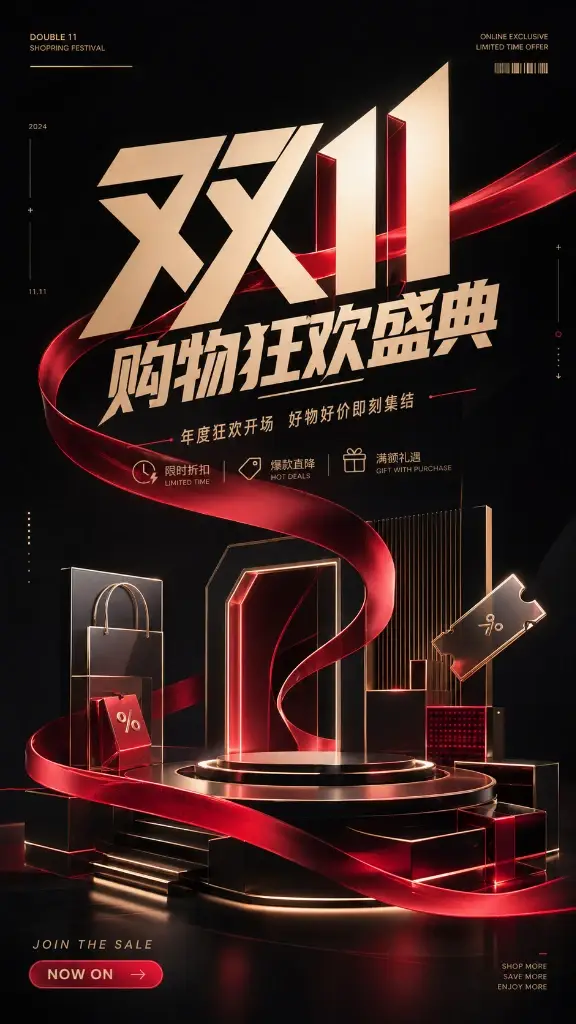
Build a branded environment with stronger color, props, lighting, and space for campaign copy.
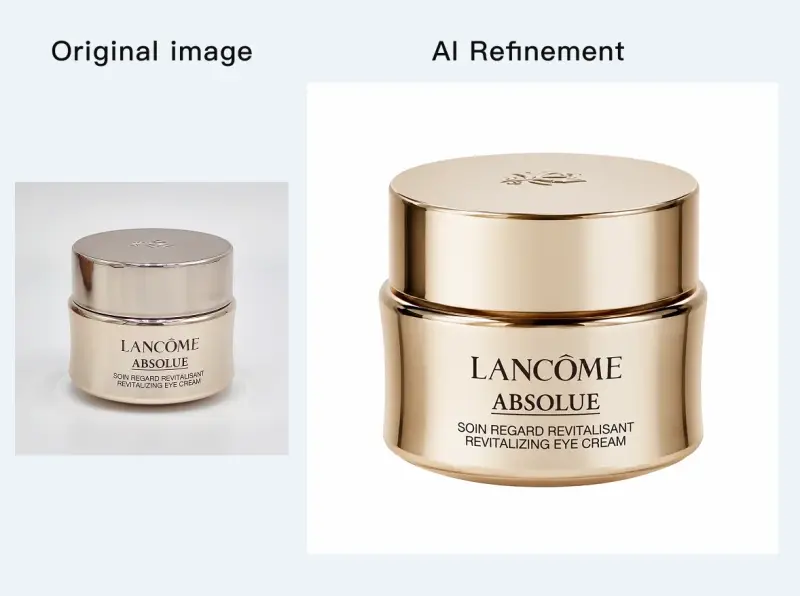
Product retouching
Describe the desired material finish, edge quality, reflection control, and cleanup without changing the item.
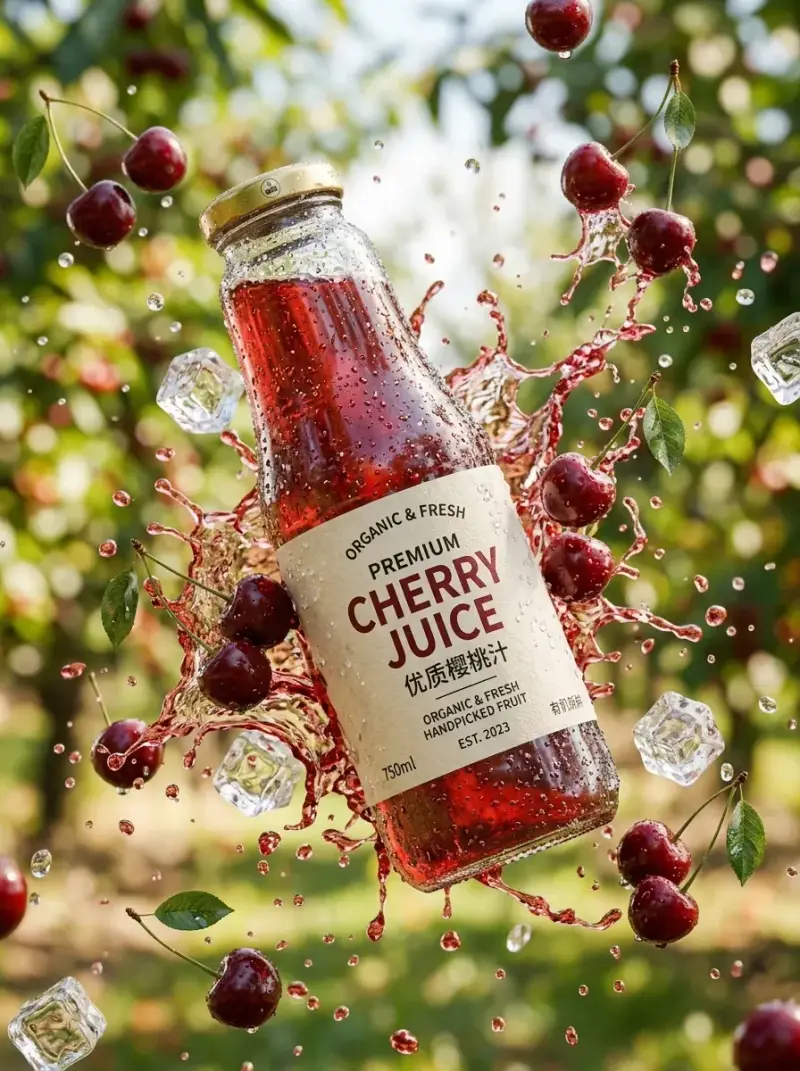
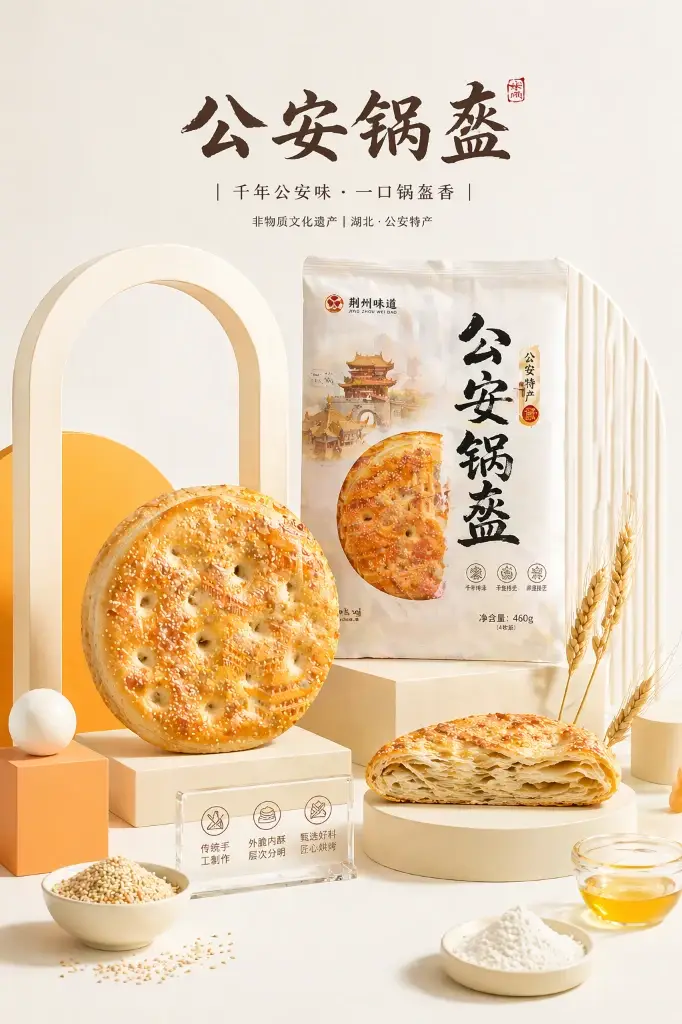
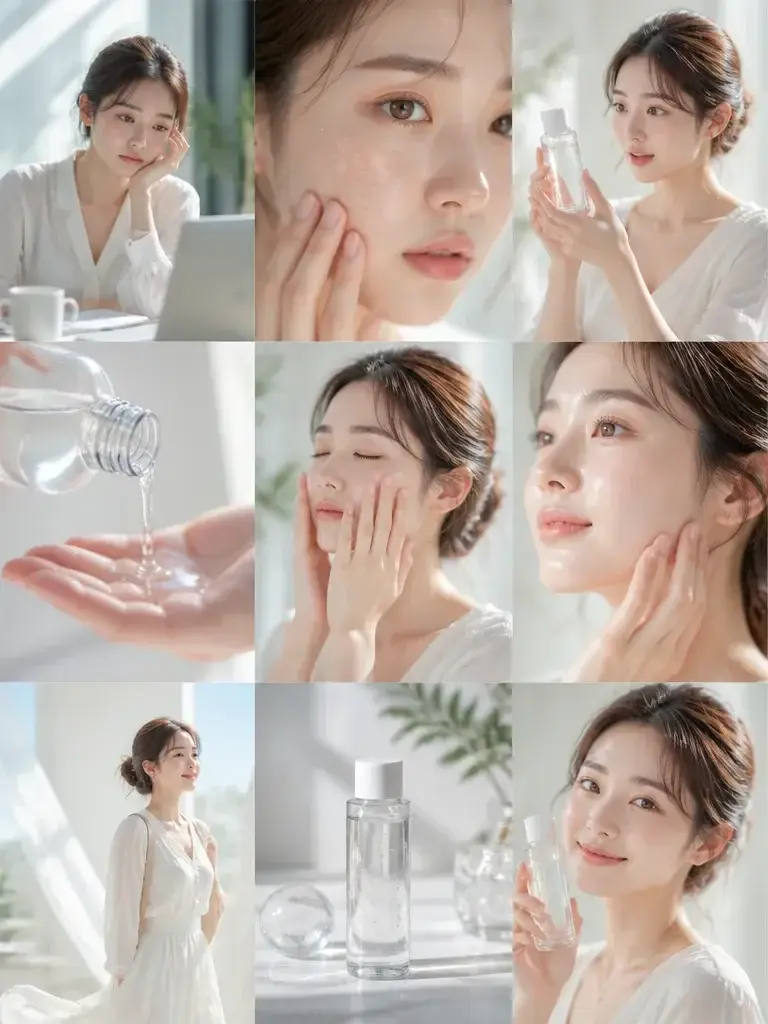
Lifestyle scenes
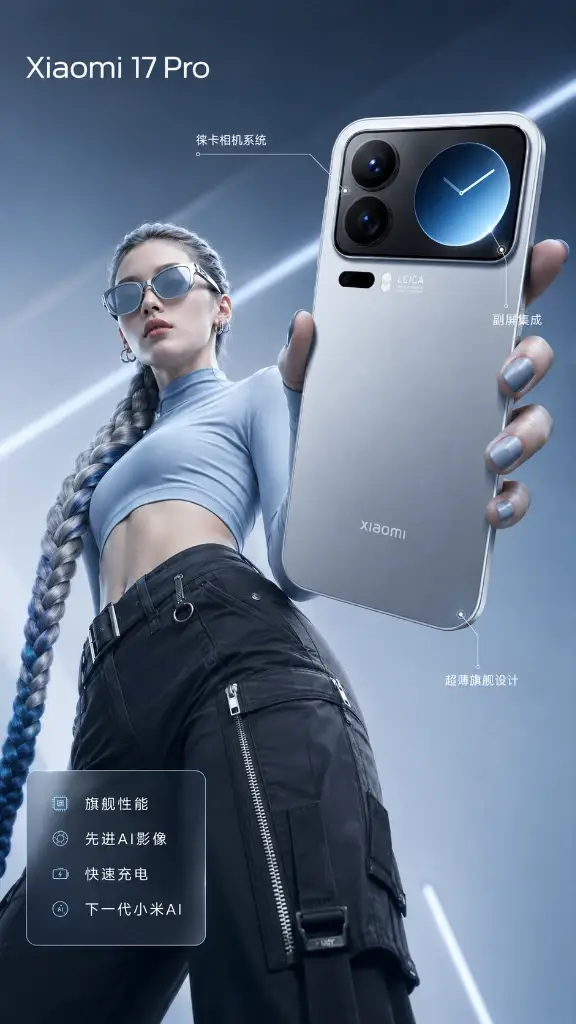
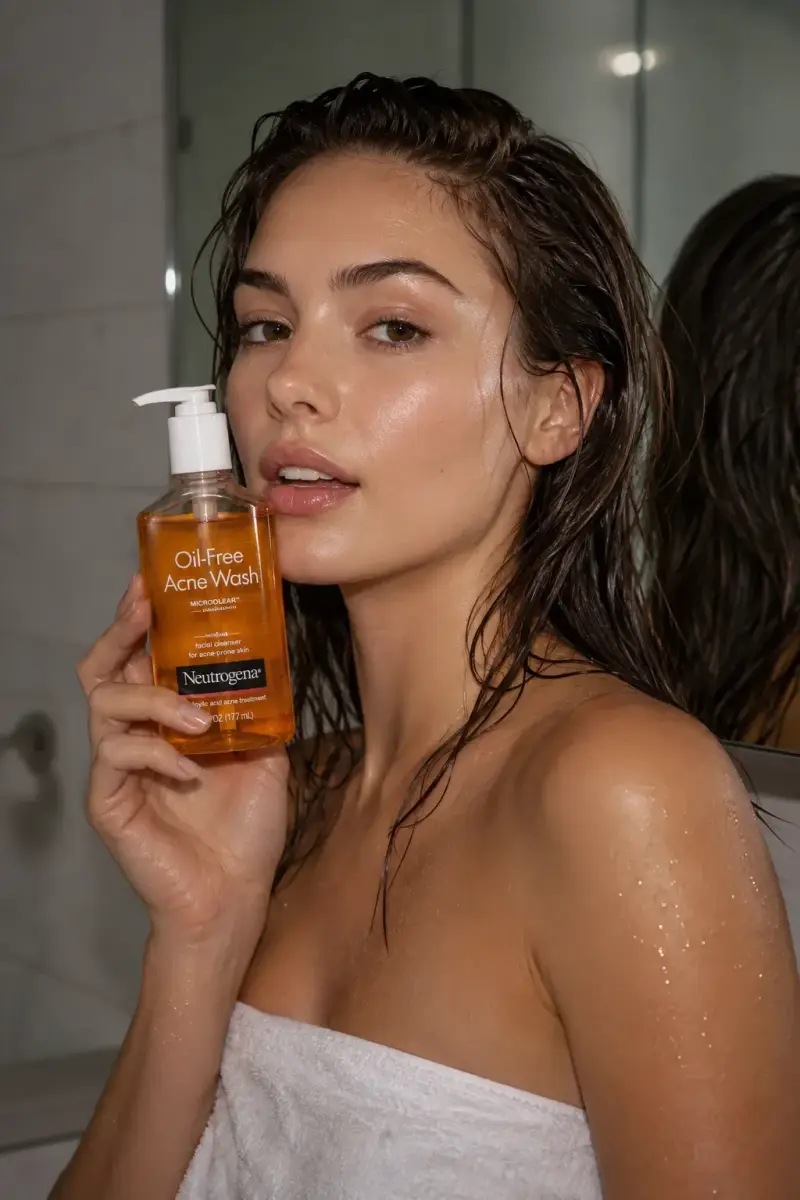
Place the product in a believable context that supports its use while keeping it visually dominant.