

How to Write an AI Mockup Prompt
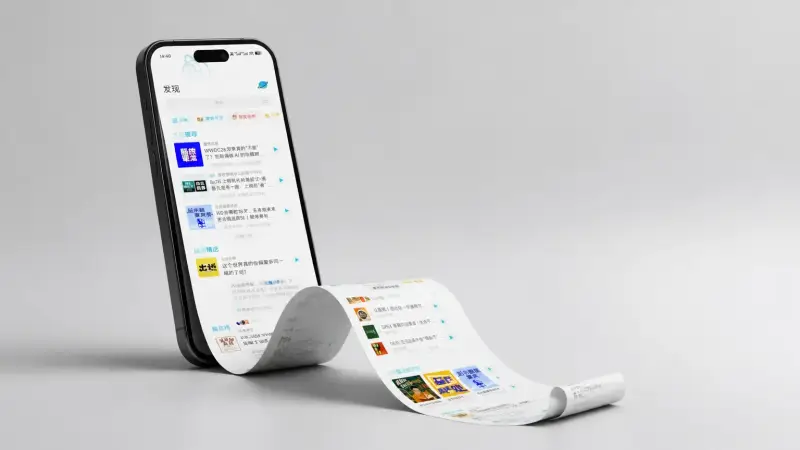
A convincing mockup makes a finished design feel present in the real world. Describe the object and viewpoint before building the scene around it.
- 01
Define the design format
State whether the work is a screen, poster, book, package, garment, card, or product, including the orientation and visible crop.
- 02
Choose the object and angle
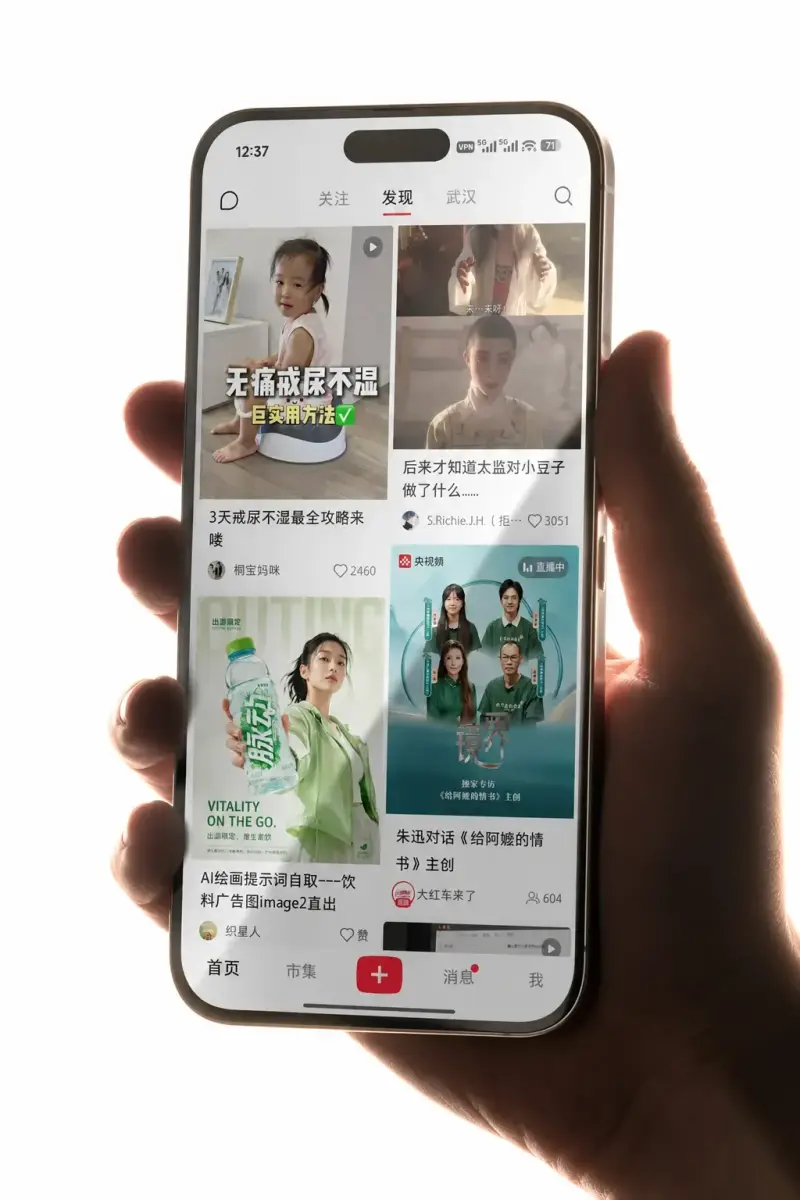
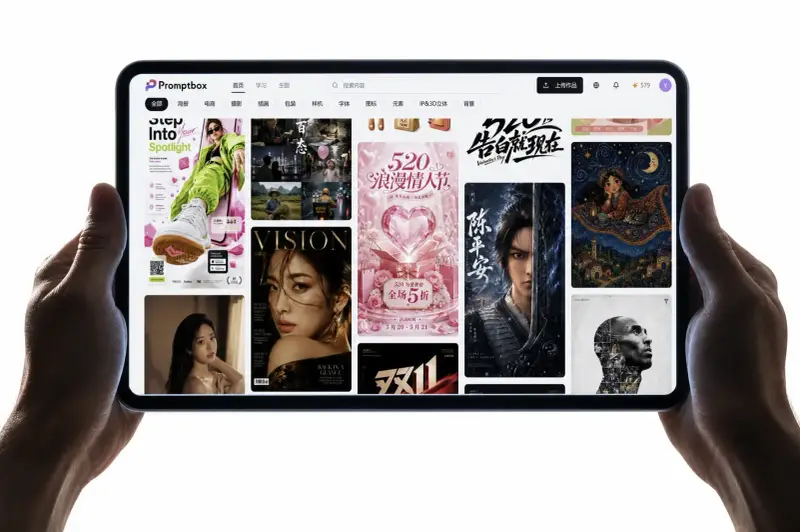
Describe the device, surface, frame, hand, or environment and select a front, perspective, close-up, or overhead view.
- 03
Control the presentation scene
Set the light, background, reflections, shadows, materials, and styling so the mockup supports rather than distracts from the design.
- 04
Protect the artwork area
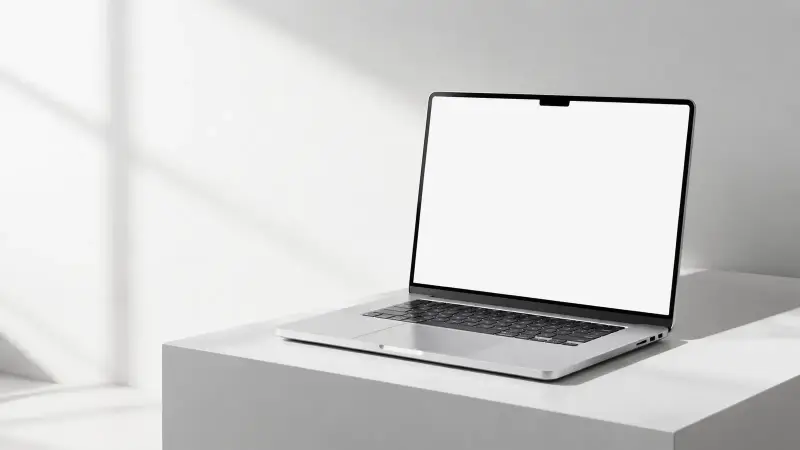
Ask for a flat, clean, unobstructed display zone with believable perspective, then place final assets in a design tool when accuracy matters.
Mockup Prompt Ideas by Presentation
4 starting points
App and website screens
Use a clear device angle, controlled glare, and enough readable screen area to present the interface.
Packaging presentations
Show a box, bottle, or bag with an angle that reveals the label and material while keeping the product credible.
Print and apparel
Use paper, fabric, folds, clips, or framing sparingly so the artwork remains the visual focus.
Brand pitch scenes
Combine several touchpoints in one considered environment to show how an identity behaves across physical and digital formats.